Mark the edit, draw a skybox, and tiles that sit together
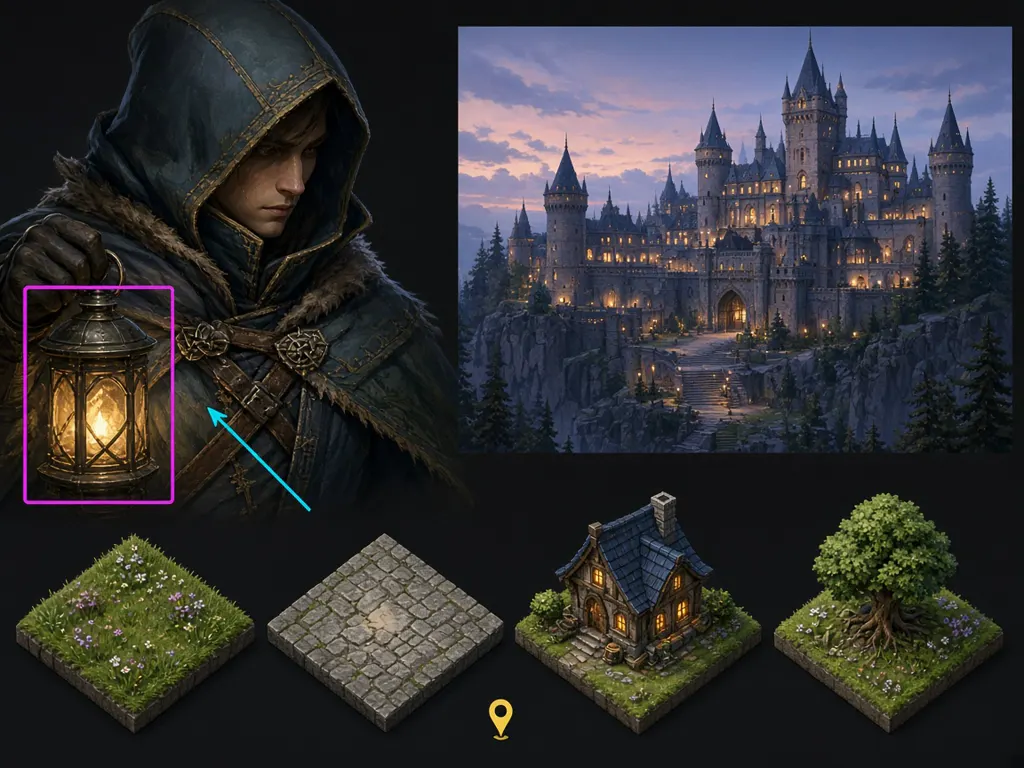
Mark the part of an image that should change, and Layer follows the mark. Also this week: a skybox you can drop into an engine, game tiles that share one grid, and UI that stretches without smearing.
What's new?
Mark what should change: On the image you are editing, or on a reference image, draw a box, an ellipse, an arrow, a line or a pin, and add a note. Say whether to edit it, remove it, or move it. On the image models that read marks, the marks guide the result and stay out of it. On a model that cannot read them, the editor says so. See Mark what you want to change on your image.
Create skybox: Create skybox draws a panorama you can look around in. Download it as an equirectangular image, a cross, or six cube faces, as PNG, HDR or OpenEXR. See Create a skybox.
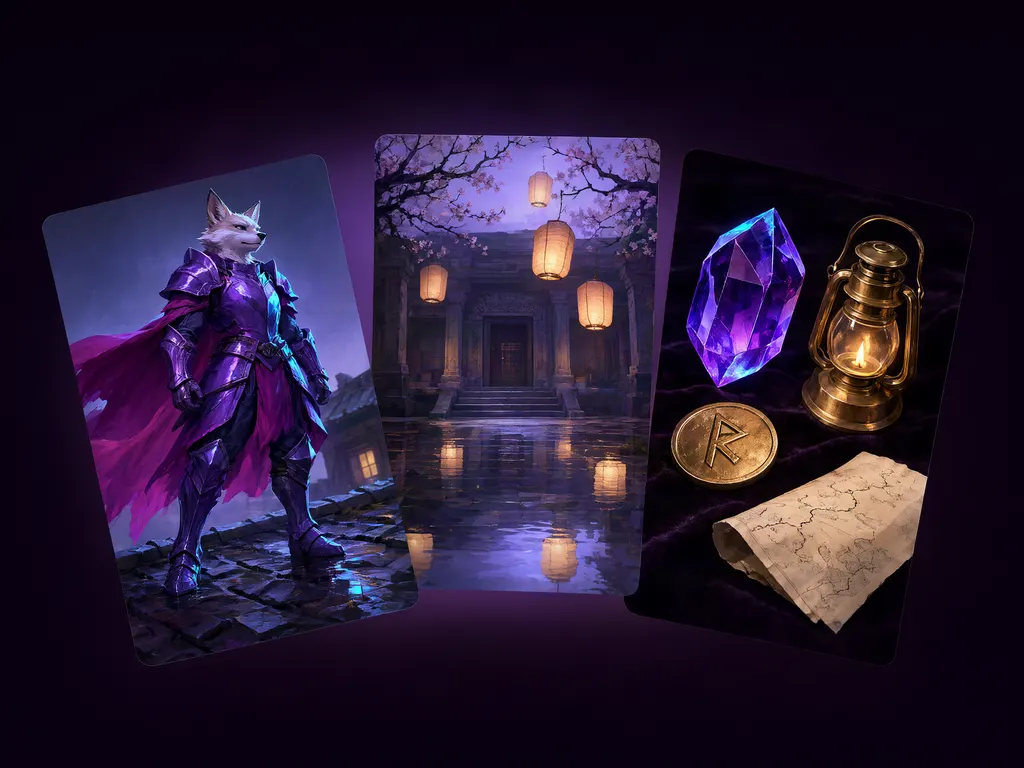
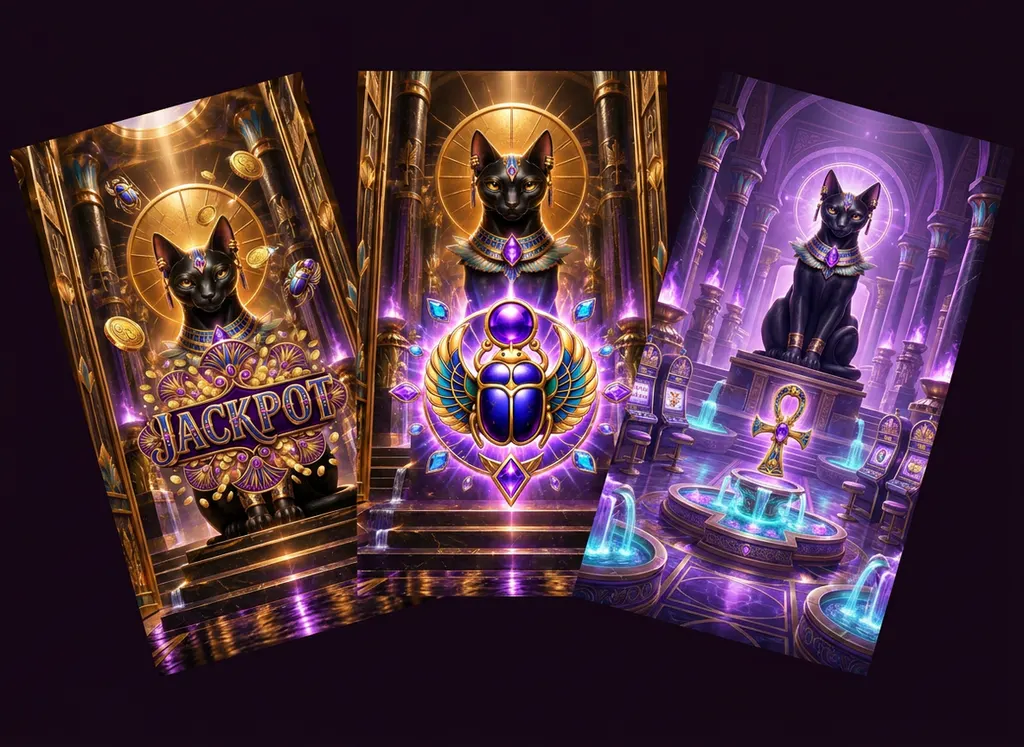
Game tiles that sit together: Create tile draws a tile on a fixed grid: an isometric diamond, or a hexagon, from the side or from above. A set shares one footprint and one light, so the tiles sit together in an engine. Export the set as a tileset for Godot, Unity or Tiled. See Create isometric and hex game tiles.
UI that stretches: Make a button, a frame or a panel that stretches. Layer finds the band that can stretch, or you drag the guides yourself. If there is no band to stretch, nothing is copied. Export the set as a UI kit for Unity, Godot, CSS or TexturePacker. See Make a 9-slice UI element.
A video, as a Lottie or a GIF: Export a video as a Lottie animation, or as a GIF. You choose the size and the frame rate. A Lottie runs up to 10 seconds. A GIF runs up to 30 seconds. Removing the background is optional, and that step spends Creative Units. See Download and export your assets.
Admin and Creator: A workspace that is not on Enterprise invites people as Admin or Creator. A Creator generates, trains Reference Sets, and manages styles and workflows, and cannot change who is in the workspace. An Enterprise workspace still offers Member and custom roles. Artist, Art Director, Editor and Settings Admin are no longer offered for a new assignment. Someone who already holds one of those keeps it. See Roles and permissions.
Usage limits, on Enterprise: An Enterprise workspace can cap the Creative Units a member spends. A cap can warn, or it can block. A member can ask for a higher limit. Before you turn a cap on, you can see what it would have done to recent spend. A cap that was already set warns, until you switch it to block.
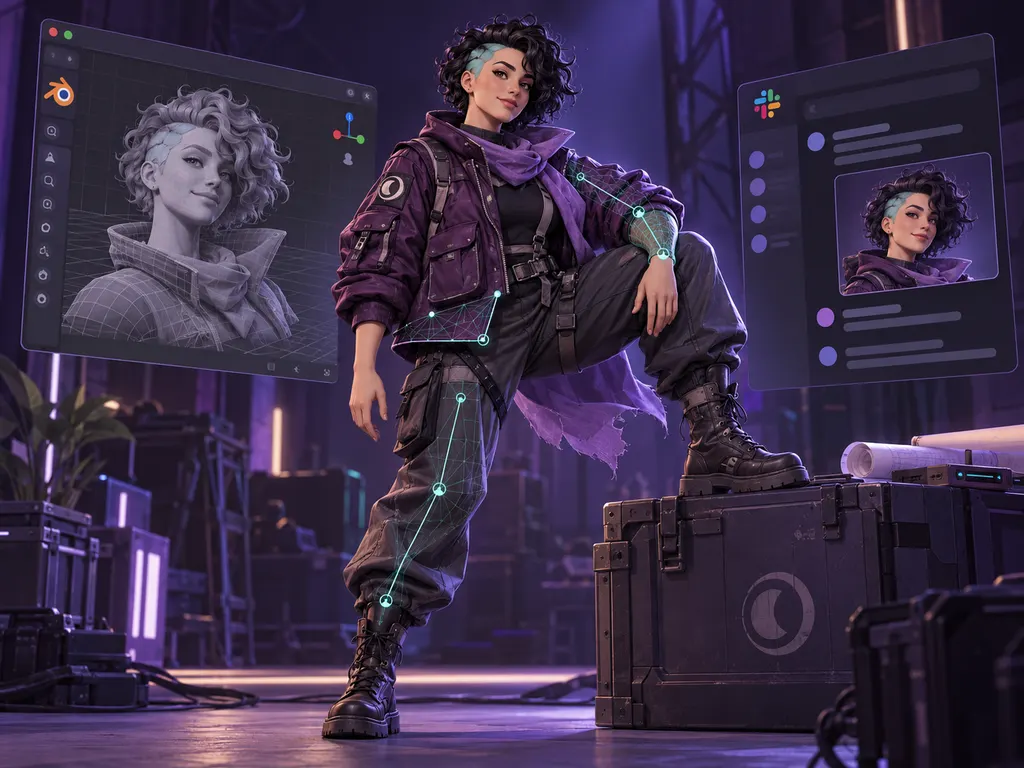
More animations for a rig: Meshy's animation library, and Tripo's biped presets, are animation Reference Sets. Apply one to a rig. A biped rig from Tripo includes fingers. See Rig and animate a 3D character.
Below a tablet width, the app is the agent: The agent fills the screen. Generations show in the conversation. Tap one to select it. Double-tap to open it.
The inbox, where you are: The bell opens the inbox without leaving the page. Rest on it to peek, and nothing is marked seen. Open it to read, snooze or archive. A failed training run, a usage limit and an auto top-up problem are marked as urgent. See Catch up with your inbox.
Bug fixes & improvements
Low, Medium or High effort sits on the agent. A higher effort can cost more and take longer, and it applies from your next message. Before the agent hands a job to another agent, it asks you to confirm.
On the video timeline, copy and paste a clip or a track, blur a clip, and adjust its color. A blurred copy of the same clip keeps a sharp center over a soft full-frame background.
One prompt per line. Each line can run as its own generation, up to 250 on a tool and 200 on a workflow app. A run over 10 asks first, with the Creative Unit price. A large run waits its turn so it stays inside your generation quota. Newline mode is saved as soon as you turn it on.
Colors, on the models that take a palette. Add swatches on the form. A palette past that model's limit is refused.
A project's members are the workspace's members, narrowed to that project. The role stays with the workspace. Add people from a dialog, remove several at once, and export the roster. A role held through a group is listed under the member's own role.
Sign in from your identity provider. An admin can let people open Layer from a tile in Okta, Microsoft My Apps or Google. See Set up single sign-on.
Connected apps. Account settings lists the apps signed in as you, and you can revoke one.
A scheduled maintenance shows in the app, with its window, from three days ahead. Once it has started, the notice says when Layer expects to be back.
A run the workspace cannot pay for is held before it starts, so the agent can tell you to add Creative Units.
An edit follows the image you gave it. The size moves to Auto, at that image's shape, instead of a square.
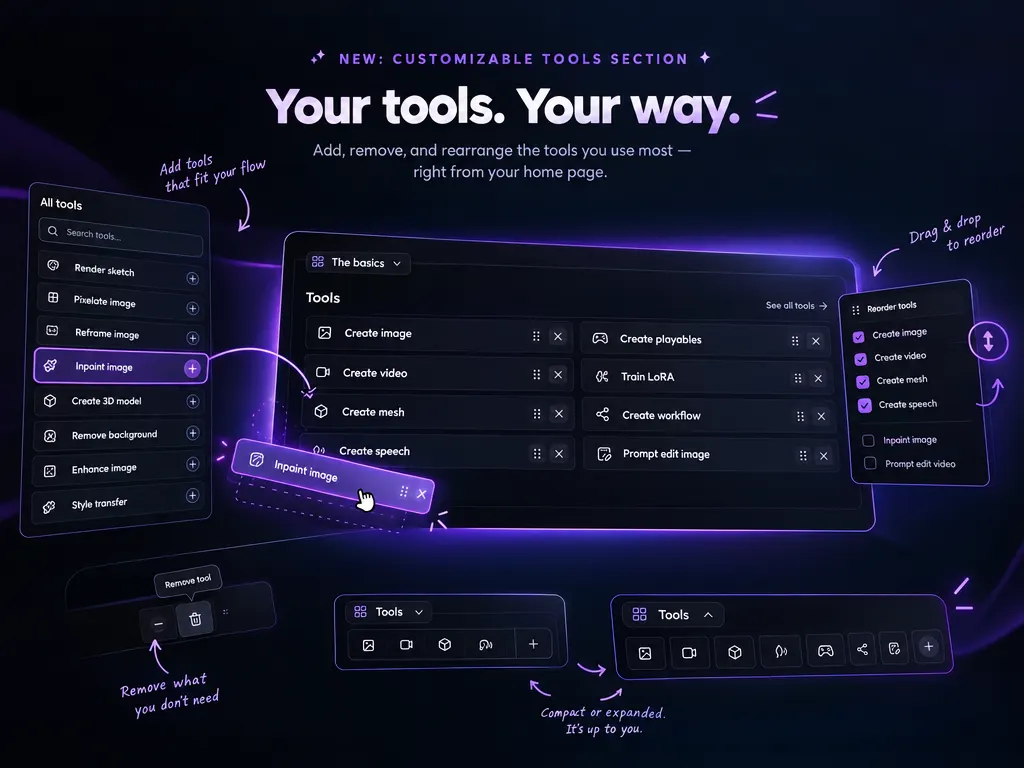
Switch tools from a rail inside the side panel. The agent, your tools and your apps are one click apart.
An icon or a picture for your account, and for the workspace. Until you set one, you see your initials.
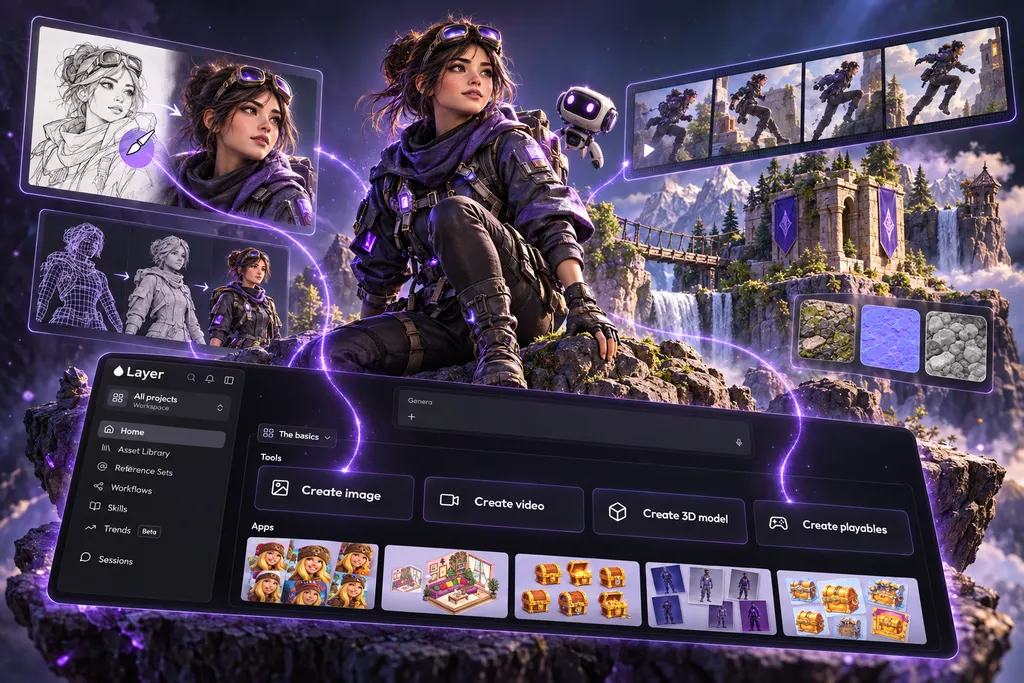
An empty board starts with buttons: Ask the agent, Tools and apps, and Upload.
On a workflow, and on a Reference Set, the side panel is the agent for that page.
Seedance 2, Seedance 2 Fast and Seedance 2.5 take reference images. See Prompt Seedance for image-to-video.
Retexture, unwrap UVs, and split a mesh into parts run on the 3D models that do those jobs. Texture size and mesh density are settings where the model offers them. Meshy V7.1 can take up to four texture images, and Ultra detail on a run from several images. Tripo can retopologize a mesh and unwrap its UVs, and a mesh you send to Tripo can be up to 50 MB. Meshy T2.5 is featured for text and image to 3D. A setup that already uses T2 keeps it. See Retexture a 3D model.
An OBJ export sits on the ground, at a real size, and can keep its parts separate. See Download and export your assets.
An admin who has not joined a project is asked before their work lands there.
Pasting into a prompt keeps the line breaks and the list markers.
Type a batch size into the count between minus and plus.
Use as LoRA on a Reference Set opens the trained model, in its tool. See Generate with a trained reference set.
Opening a Reference Set keeps the project you opened it from.
When a person has no name, lists show their email.
A first workspace whose address is taken is numbered, so the suggested name is one that is free.
The welcome tour waits until your role can start a session.
A refused account lands on an access-denied page.
A long chat no longer stops in the middle of a reply.
Reframe video no longer asks for a first and last frame. See Reframe a video to a new aspect ratio.
A workspace that has stopped paying can be warned before it is turned off. Paying, or an admin keeping it, stops that. Nothing is turned off before the warning period ends.
On the enterprise referral card, you see how many introductions were recorded, how many qualified, how many were won, and the Creative Units earned. The card does not name the other company.
A project search that finds nobody can add them from the workspace.
FLUX.1 dev on Create image can start from a reference image.
Layer Agent Cost Savings & Quality Improvements: We are continually working to improve our underlying Layer Agent models, and with recent updates, you can expect to see improvement in both cost and quality.
New models37
 3D
3DRebuilds a 3D model's topology as triangles or quads at a face count you choose.
3DMeshy T2.5. Text or single image to a clean multi-part triangle mesh, sharper than T2, with textures, PBR, and optional rigging.
 Image
ImageBlack Forest Labs' distilled FLUX.3 Klein model for fast 1K to 4K generation and multi-reference editing.
ImageBlack Forest Labs' FLUX.3 Klein Base for native 1K to 4K text-to-image.
ImageBlack Forest Labs' FLUX.3 Klein Base editor for multi-reference edits at 1K to 4K.
 Video
VideoBlack Forest Labs' post-trained FLUX 3 Max video model, with native audio and first/last frame control at 720p or 1080p.
VideoGuide FLUX 3 Max video with up to 10 keyframe images spaced across a 720p or 1080p clip.
ImageKrea 3 text-to-image and multi-reference editing at 1K or 2K.
VideoByteDance OmniHuman v2 animates a still photo from audio, with optional prompt control of motion and camera.
 Audio
AudioText-to-sound-effects with duration, negative prompt, and format control.
AudioSynchronized sound-effect stems timed to an input video.
VideoAdds synchronized sound effects and returns the video with its new soundtrack.
VideoRemove the people from a clip, leaving the empty set.
VideoDub a clip's speech into another language in the speakers' own voices.
VideoTranslate a clip into another language with re-synced lips.
VideoFaster lip-synced translation of a clip.
VideoRemove an object and every interaction it causes in the scene.
3DRebuilds a GLB or OBJ mesh with Hunyuan 3D smart topology at a low, medium, or high polygon density.
VideoRestyle a video from an edited first frame, keeping motion and identity.
VideoKandinsky Lab's lightweight video model, generating 5-second 480p or 1080p clips from text or a still image.
VideoEdit outfits, objects or faces in a video from a prompt.
VideoRestyle a video from a prompt, keeping its motion and detail.
3DSplits a 3D model into separately printable parts, automatically or along parts you name.
3DLays out new UV coordinates on a 3D model, ready for texturing.
3DRetextures an uploaded 3D model from a text style or a reference image, with optional PBR maps.
3DRetextures an uploaded 3D model with Meshy 6 from a text style or a reference image.
3DRetextures an uploaded 3D model with Meshy 7 from a text style, a reference image or up to four views.
VideoReframe a video with MiniMax H3 Max, outpainting the new canvas while keeping the source audio and timing.
AudioVocal-free music from a text description.
VideoA formatted lyrics video from an audio track.
AudioSpoken audio from a script, split across built-in voices.
AudioComplete songs with vocals from a description or supplied lyrics.
AudioFull songs and long scores up to six minutes, with restyle, extend and inpaint.
AudioFast, low-cost music up to two minutes, with restyle, extend and inpaint.
AudioFast sound effects with restyle, extend and inpaint.
3DTripo's newest retopology: rebuilds a high-poly mesh as clean low-poly topology at a target face count, unwraps fresh UVs and bakes the original textures onto the result.
3DRe-unwraps a mesh's UVs with AI-placed seams and packed islands, then remaps its existing textures, rig and animation onto the new layout. Geometry is kept as-is.