AI Background Removal
Clean Cutouts from Any Image or Video
Cut a clean subject out of images and video, at batch scale and with edges you can ship.



![Made with FLUX.2 [flex]](https://media.dev2.layer.ai/workspaces/009d5ac0-fac3-45b1-83dc-1f1aa70c83f4/files/91860642-a316-4de3-949f-3d437467d657/flux-2-flex-posted-0_400.png)



Remove Background
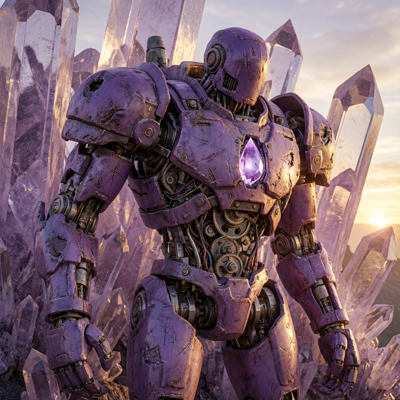
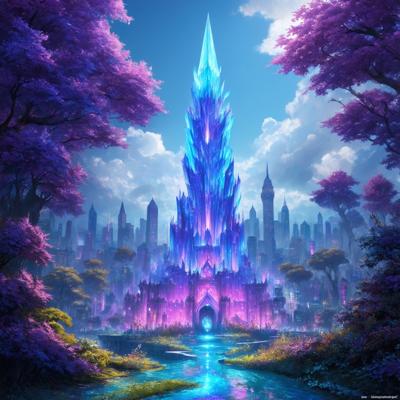
Almost nothing ships on the background it was generated with. Characters get composited into new scenes, props land on UI panels, and marketing subjects move between layouts constantly. Manually masking each cutout—especially around hair, fur, glow effects, and soft edges—is slow, and sloppy cutouts announce themselves in every composite.
Remove Background on Layer isolates the subject cleanly in one step, for both images and video clips. The result is a transparent-ready asset—character, prop, or UI element—that drops into any composition without fringing or leftover pixels.


![Made with FLUX.2 [flex]](https://media.dev2.layer.ai/workspaces/009d5ac0-fac3-45b1-83dc-1f1aa70c83f4/files/689291de-e8f3-450e-bbd7-54eb54872110/flux-2-flex-posted-1_400.png)
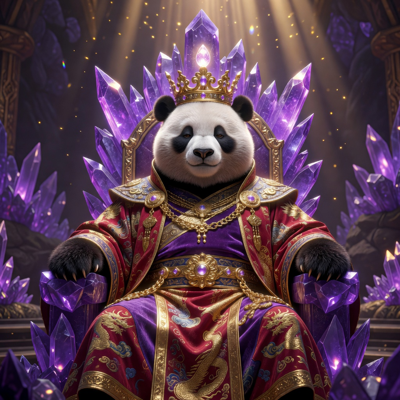


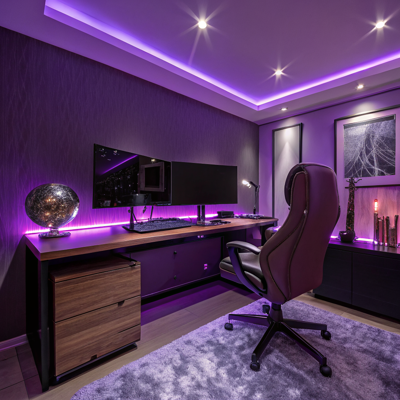

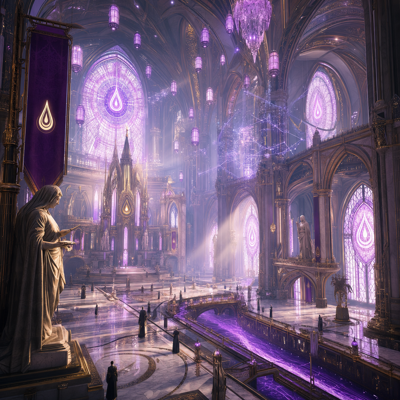
01
Key capabilities
Clean Subject Detection
Layer identifies the subject and separates it from the background automatically, handling difficult edges like hair, fur, and semi-transparent effects.
Transparent-Ready Output
Cutouts come out ready for compositing—place characters on new scenes, props on UI panels, and subjects on any layout without cleanup passes.
Video Background Removal
Isolate a moving subject from a video clip, not just a still. Composite animated characters and motion elements into new creatives.
Batch Processing
Cut out an entire set of characters, items, or icons at once. Every editing tool on Layer works on single assets or in batches at scale.
Workflow Integration
Run background removal as a node in a repeatable workflow—for example, generate a character set, remove backgrounds, and upscale in one pipeline.
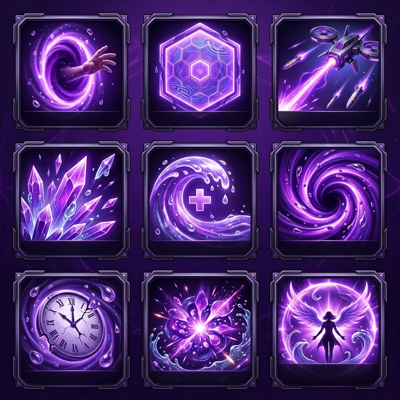

![Made with FLUX.2 [flex]](https://media.dev2.layer.ai/workspaces/009d5ac0-fac3-45b1-83dc-1f1aa70c83f4/files/5d794bd3-ab25-4b60-afce-ba263852cebb/flux-2-flex-posted-2_400.png)
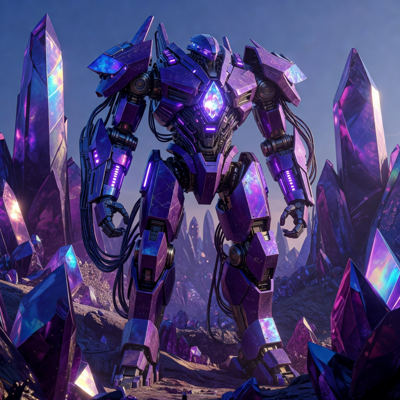
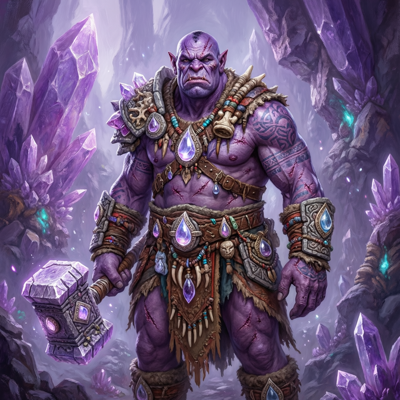



02
How it works
Select your asset
Open any image or video clip in Layer—a fresh generation or an upload from your existing library.
Run background removal
Layer detects the subject and removes everything else. No masks to paint, no edges to trace.
Refine and export
Review the cutout, re-run if needed, and export your transparent-ready asset—or send it straight into another edit like upscaling or layer splitting.
The industry's best image models. One platform.
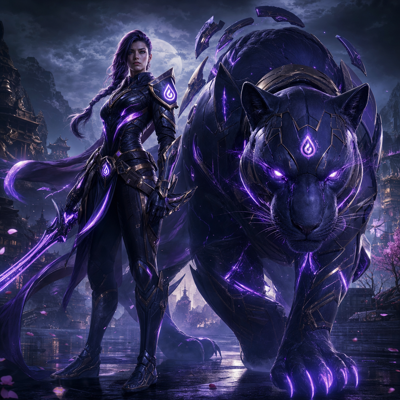
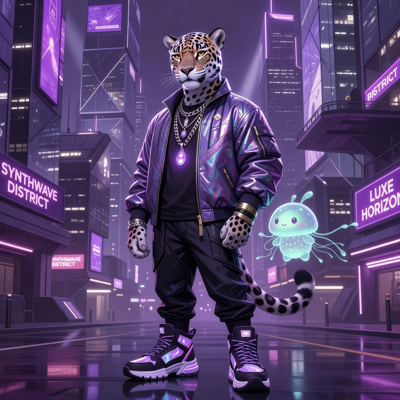


![Made with FLUX.2 [flex]](https://media.dev2.layer.ai/workspaces/009d5ac0-fac3-45b1-83dc-1f1aa70c83f4/files/6e2d5371-b47e-4673-a331-f30b5a05e8ce/flux-2-flex-posted-3_400.png)



03
Built for game production
Game Art Compositing
Isolate generated characters and props so they can live anywhere—new environments, UI frames, card layouts—without inheriting the scene they were generated in.
UA Creative Variants
Cut a hero character out once, then place it into dozens of ad backgrounds and layouts. Combined with batch processing, one subject fuels a whole campaign.
UI and In-Game Elements
Turn generated items, icons, and collectibles into transparent assets ready for inventory screens, shops, and reward popups.
Marketing Assets
Free key-art subjects from their backgrounds for store features, social cuts, and seasonal layouts—reusing approved characters instead of regenerating them.
For creatures delivered on a clean background, see game enemy design and boss design.
Layer is trusted by 400+ game studios and entertainment brands, including Zynga, SciPlay, and Huuuge Games. Remove Background turns any generation into a reusable building block for everything your team composites next.
04
Related features
Questions about Remove Background
How does AI background removal work on Layer?+
Layer detects the subject of an image or video and cuts it cleanly from its background, producing a transparent-ready asset you can composite anywhere.
Does background removal work on video?+
Yes. You can remove the background from video clips as well as images, isolating a moving subject for compositing into new scenes and creatives.
What kinds of assets is it best for?+
Characters, props, and UI elements are the most common—anything you want to drop onto new backgrounds, layouts, or in-game surfaces without a halo of leftover pixels.
Can I remove backgrounds from many assets at once?+
Yes. Background removal works on single assets or in batches at scale, and it can run inside node-based workflows for repeatable pipelines.
Is my artwork kept private?+
Yes. Customer data is never used to train foundation models, and Layer offers SOC 2 Type II compliance, SSO/SCIM, and role-based access for enterprise teams.
Try Remove Background today
Get transparent-ready assets in seconds instead of an afternoon of masking. Start free on Layer—no credit card required.