AI Relighting
Relight Any Scene Without Repainting It
Relight an image — time of day, key direction, mood — without touching the subject.


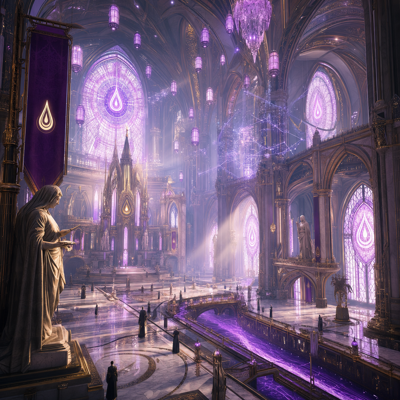
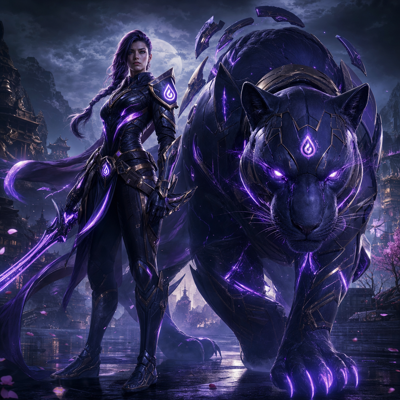


Change Lighting
Lighting is one of the most expensive things to change in finished art. A day scene that needs a night version, a cheerful shot that needs a moodier take for a different campaign, an environment that needs a winter-event glow—each traditionally means repainting shadows, highlights, and atmosphere by hand across the whole image.
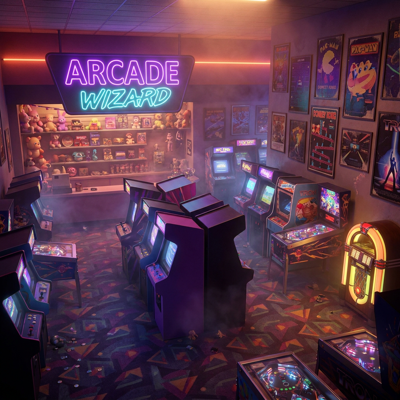
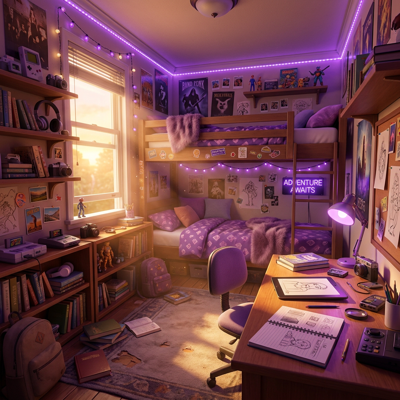
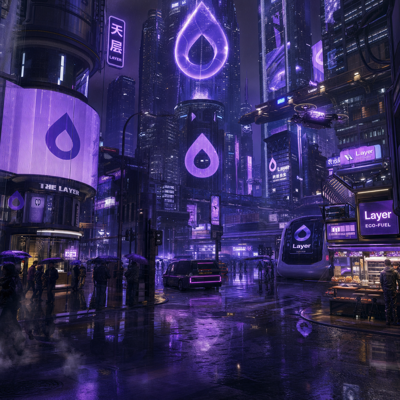
Change Lighting on Layer relights the scene for you. Describe the lighting you want and the AI re-renders illumination, shadows, and mood while keeping the subject intact—same character, same composition, new light. What used to be a repaint becomes a variant you generate in seconds.
01
Key capabilities
Subject-Preserving Relighting
The character, props, and composition stay intact while the light changes around them. You get a true variant of the approved asset, not a new interpretation of it.
Day-to-Night and Time-of-Day Shifts
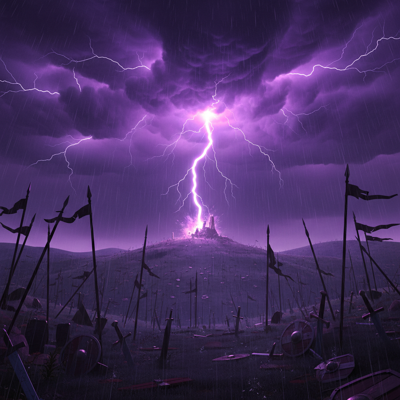
Turn a daylight scene into dusk, night, or dawn—with shadows, ambient color, and atmosphere updated coherently across the image.
Mood and Tone Control
Shift a scene from bright and playful to dramatic and moody, matching the emotional register a campaign or story beat calls for.
Seasonal Event Looks
Apply the warm glow of a summer event or the cool cast of a winter one to existing scenes, producing on-theme art without repainting.
Batch and Workflow Ready
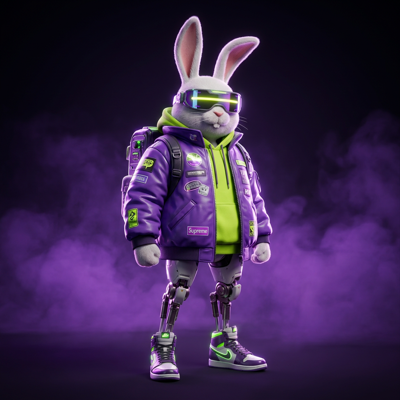
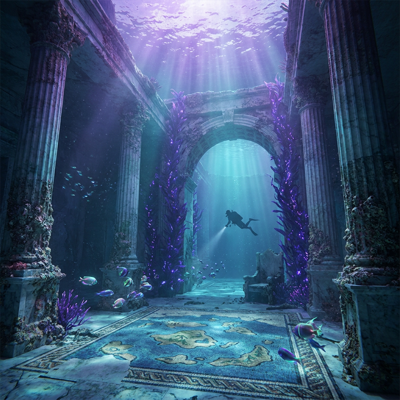
Relight a whole environment set at once, or wire Change Lighting into a node-based workflow that generates every time-of-day variant automatically.





02
How it works
Select your asset
Open any image in Layer—a generated scene, key art, or an environment from your existing library.
Describe the lighting
Specify the look you're after: the time of day, the mood, the seasonal treatment. The subject and composition are preserved automatically.
Generate and refine
Layer re-renders the scene under the new light. Compare variants side by side, adjust the description, and export the ones that land.
The industry's best image models. One platform.
03
Built for game production
Live-Ops and Seasonal Events
Reskin familiar scenes for every event on the calendar—night-market glow, holiday warmth, spooky gloom—while players still recognize the world they know.
UA Creative Variants
Test whether a bright or moody treatment converts better without producing two shoots. One composition, a spread of lighting variants, real data.
Game Art Time-of-Day Sets
Produce day, dusk, and night versions of environments and backgrounds from a single approved painting, keeping world art consistent across states.
Marketing Assets
Match key art to a campaign's tone—celebratory, ominous, cozy—by relighting the same hero scene instead of commissioning new art.
Layer is trusted by 400+ game studios and entertainment brands, including Zynga, SciPlay, and Huuuge Games. Change Lighting makes every approved scene the source of a dozen moods.
04
Related features
Questions about Change Lighting
What does Change Lighting do?+
It relights a scene with AI while keeping the subject and composition intact—turn day into night, brighten a mood, or apply a seasonal look without repainting the artwork.
Will my character or subject change when I relight?+
No. Relighting is designed to preserve the subject—shapes, details, and identity stay intact while illumination, shadows, and atmosphere change around it.
What kinds of lighting changes can I make?+
Common uses include day-to-night variants, mood shifts like warm-to-moody, and seasonal event looks—any change where the scene stays the same but the light tells a different story.
Can I create lighting variants for a whole asset set?+
Yes. Change Lighting works on single assets or in batches at scale, and it can run inside node-based workflows—useful for producing a night version of an entire environment set at once.
How much does it cost to try?+
Layer uses consumption-based Creative Units with no seat fees. It's free to start with no credit card required, and paid plans start at $10/month for 300 CUs with 10% rollover.
Try Change Lighting today
Get every lighting variant from one approved scene. Start relighting free on Layer—no credit card required.