Layer for Roblox creators & studios
One concept. A whole drop. In 3D.
Items, 3D models, UI and thumbnails for your Roblox game, in one style.
For UGC creators, game studios and brand activations. No seat fees.
- models, one agent
- 300+
- studios on Layer
- 400+
- items, UI and thumbnails
- 2D → 3D
- add every creator
- No seats
Why Roblox teams stall on AI
What Roblox creators and studios told us slows them down, solved
From UGC creators shipping drops to studios running a portfolio of live experiences.
“3D modelling is the bottleneck for every drop”
Concept to textured mesh
Four matched views drawn and checked before any geometry, then a textured model with Tripo, Meshy or Rodin, remeshed to your polycount.
Image to 3D“Items in a drop don't look like they belong together”
The line comes from one design
Tiers, colourways and pets built from the item you approved, with a Reference Set from your catalog so the hundredth item matches the first.
Reference Sets“Our thumbnail decides whether anyone clicks”
Thumbnails and icons built to test
Variant sets of thumbnails and icons on your game's look, so you can A/B test what wins the click instead of shipping one and hoping.
Thumbnails · Icons“Weekly updates need new art every week”
An update pack as a workflow
Build the event or update pack once, then run it each week: banners, shop and pass screens, icons and promo, same style every time.
Workflows“Brand deals need licensor sign-off on every asset”
IP-safe brand experiences
A project and Reference Set per brand partner, review packs for approval, and an audit log of every generation.
Brand & IP“Built-in AI gives us the same look as everyone else”
Raise the roof, not just the floor
Real art direction across 2D, 3D, UI, video and audio, so your experience stands out in Discover instead of blending in.
300+ models, one agentBrand activations inside Roblox
Launch a brand inside Roblox in weeks, not months
Every asset for the activation, on the brand's look and ready for their sign-off.
Branded games & themed worlds
Re-theme a world to the brand in days, not a production cycle.
Multigame events
One brand event across every game in your portfolio, each in its own style.
Branded avatar items
Licensed accessories and outfits, approved by the brand before they list.
360° amplification
Trailers, thumbnails, social and creator kits that drive players in.
A project and Reference Set per brand, with review packs for the licensor.
Hit the movie, album or match date with every asset ready.
Every generation in the audit log, for the brand's legal team.
Your team and the brand stay responsible for clearing the IP and Roblox's rules.
One workspace
Learn one tool, not twelve
2D concepts, 3D meshes, textures, UI, video and audio in one agent-first workspace. Ask in plain language: the agent picks the model, shows the cost and generates, then you edit, recolour, turn it into 3D and export.
300+ models, one agent, across image, video, 3D, audio and playables. New models land in the same place, so your team never switches tools.
For the top of the charts
Built-in AI raises the floor. Layer raises the roof.
Studio's AI gets everyone started. Top experiences win on art direction.
| Compare | AI built into Roblox Studio | Layer |
|---|---|---|
| Best for | Code, quick materials and getting started | The art: concept, 3D items, UI, thumbnails, trailers and audio |
| Art direction | A good first pass that can look like everyone else's | Your style, held by Reference Sets and Skills across every asset |
| Formats | In-editor helpers | 2D, 3D, UI, video, audio and music from 300+ models, one agent |
| Brand and IP work | Not its focus | A project and Reference Set per brand partner, review packs, audit log |
| Teams and budgets | Per creator | Projects or sub-workspaces per game, group usage limits, no seat fees |
| Where you finish | Roblox Studio | Blender, Maya, Photoshop, After Effects and Studio, plus MCP, API and CLI |
Five jobs
Five jobs Roblox teams give Layer
From the first sketch of a drop to the weekly update and the thumbnail that wins the click.
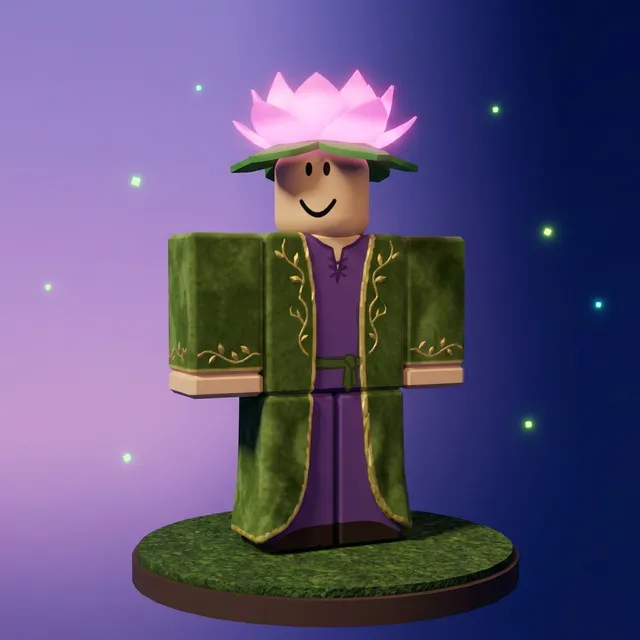
01 · Item drops
One concept, a whole drop
Approve one design, then build the rest of the drop from it.
- Variants built from the design you approved, so cut and palette hold
- Swap a colour or a trim one region at a time with inpaint
- Prompt templates fan out every item × colourway × tier
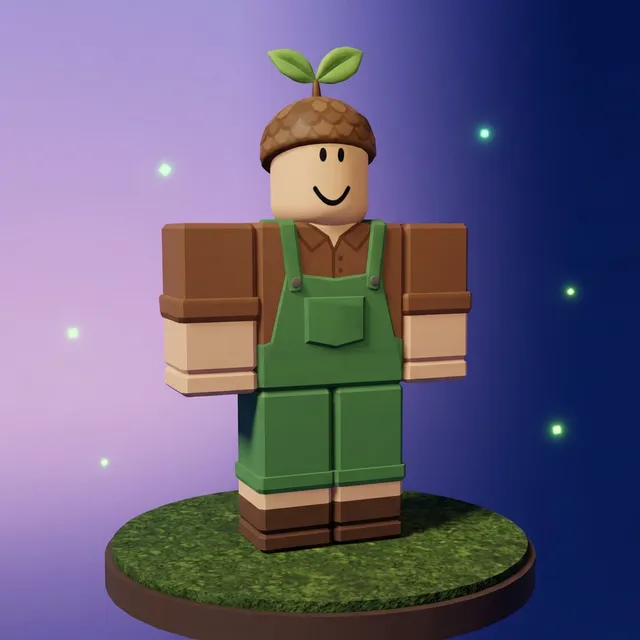
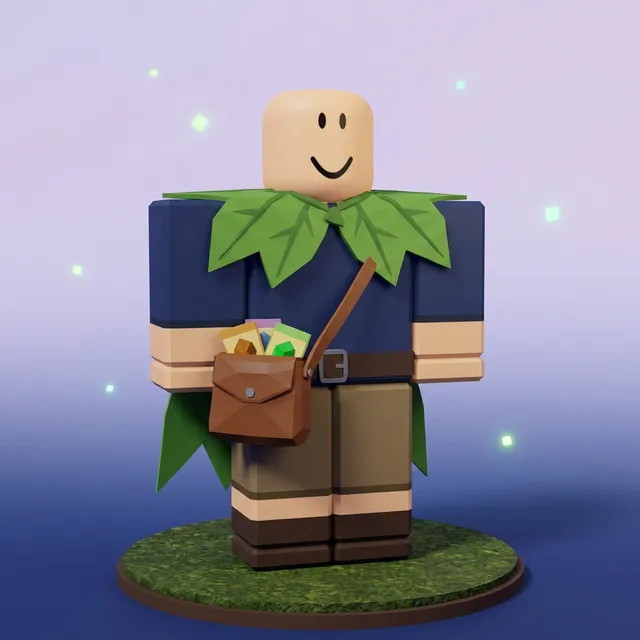
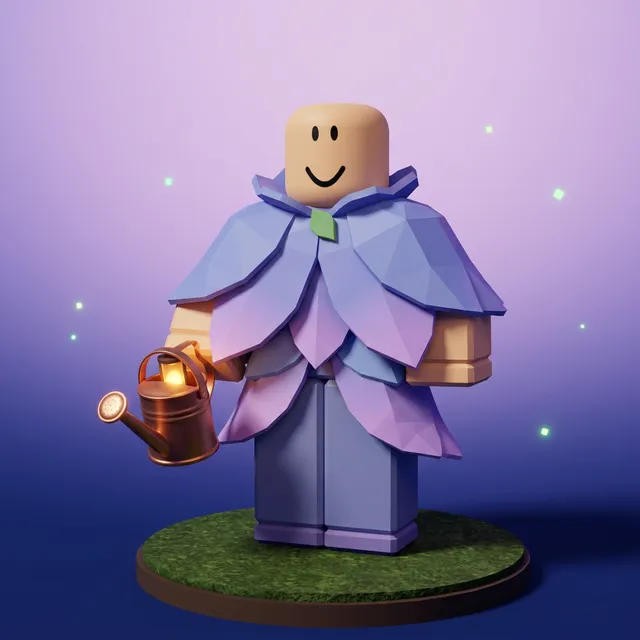
02 · Concept to 3D
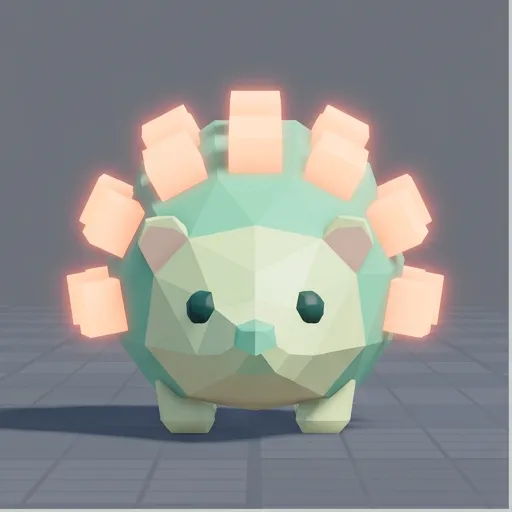
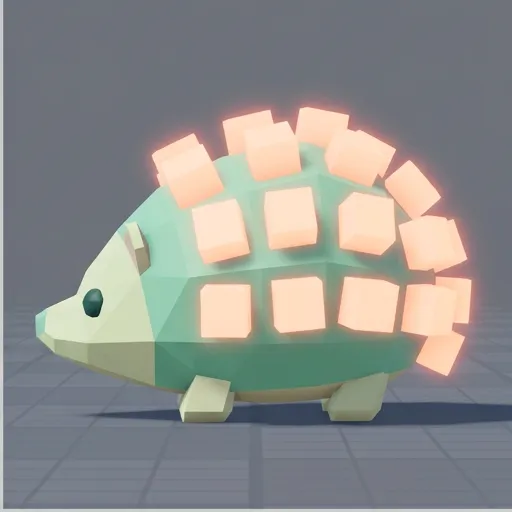
From concept art to a mesh you can clean up
Four checked views, then a textured mesh you can clean up.
- Front, left, back and right drawn and checked before any geometry
- Remesh to a target polycount, in quads or tris
- Retexture one mesh into new colourways
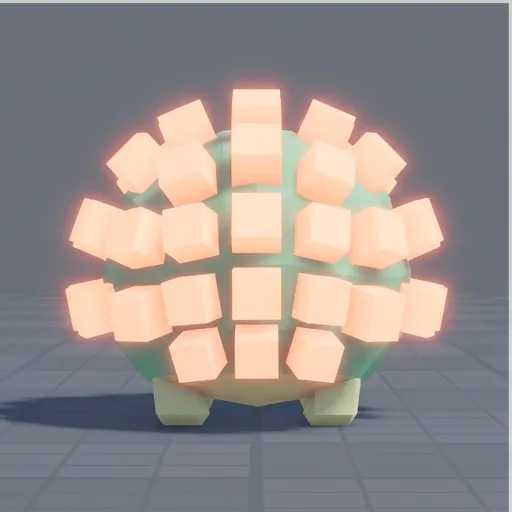
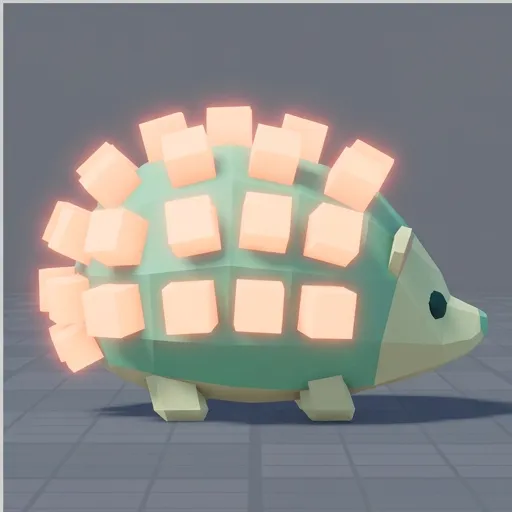
Plan for cleanup. A generated mesh is a strong first pass, not a finished upload. Check scale, thin parts like straps and chains, topology and texture size, then test each item against Roblox's own requirements before you list it.
03 · The experience
Everything around the item
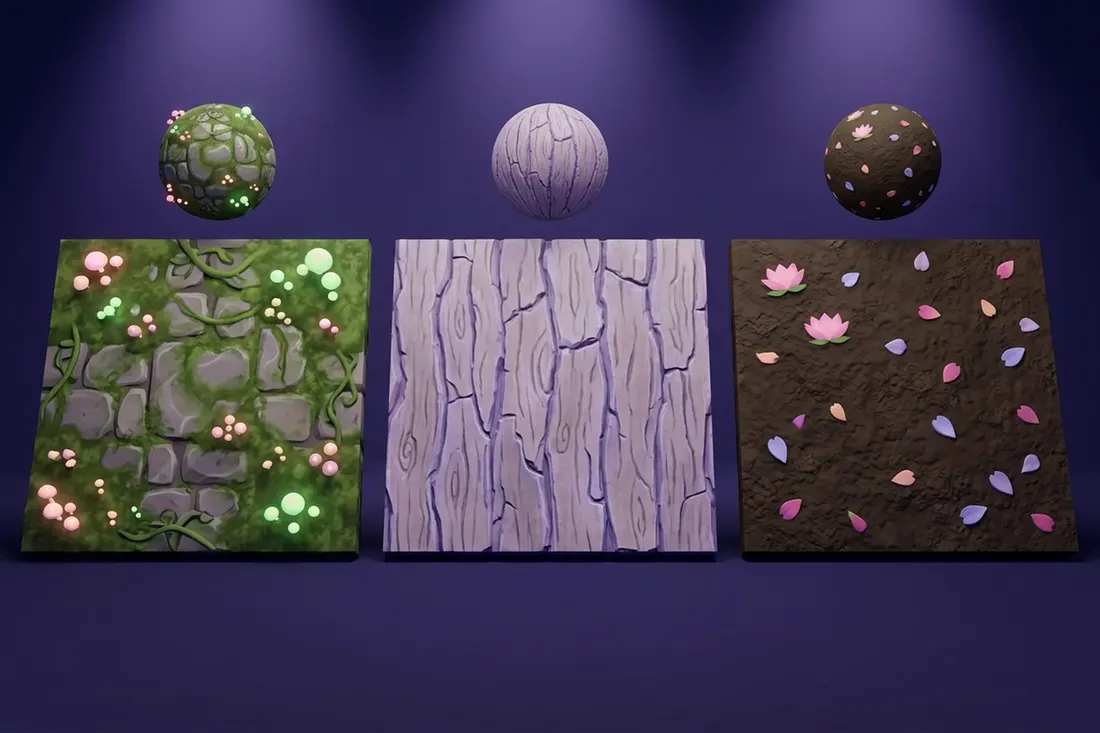
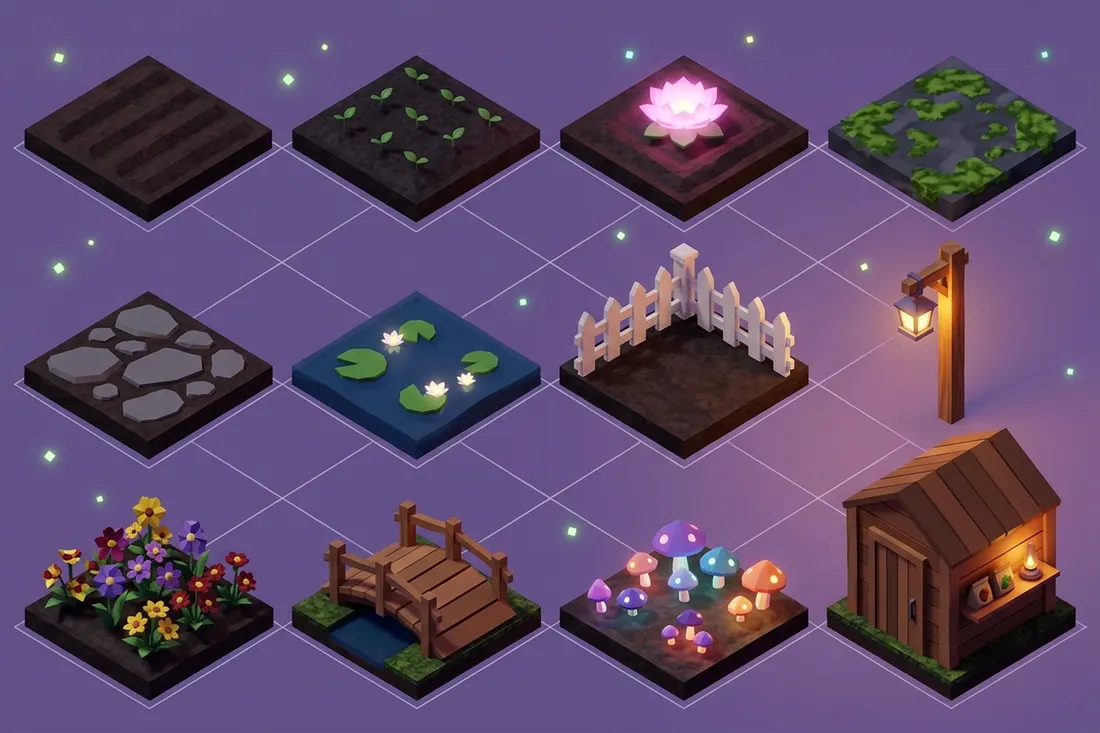
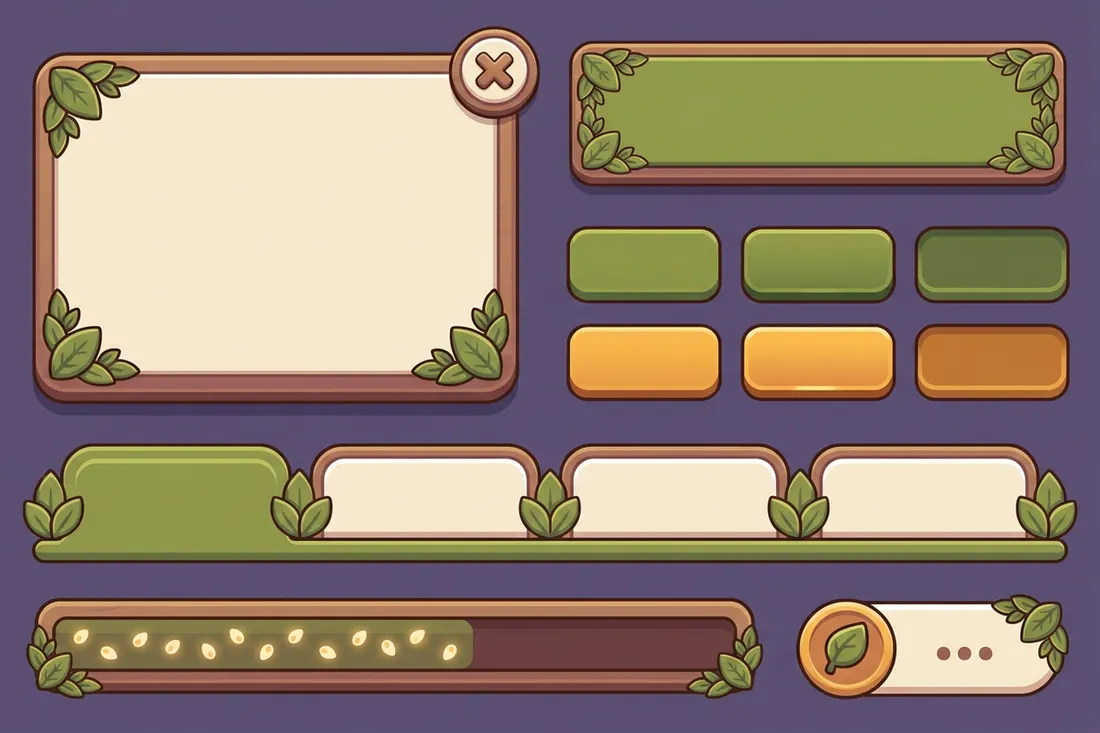
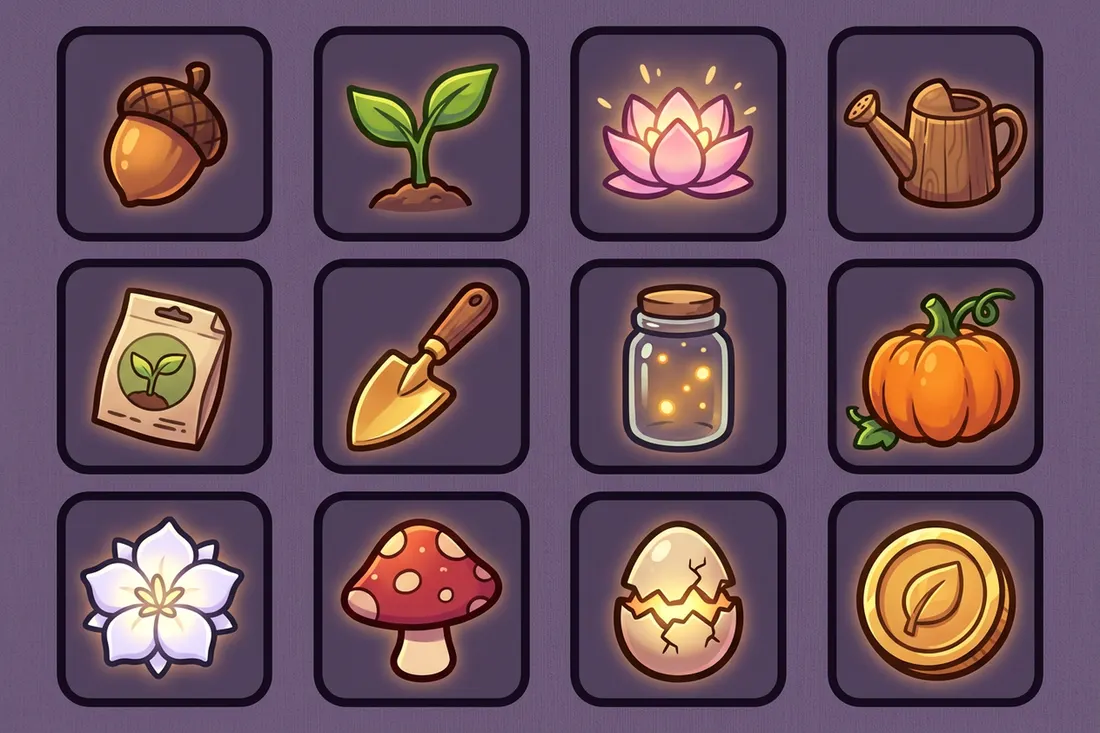
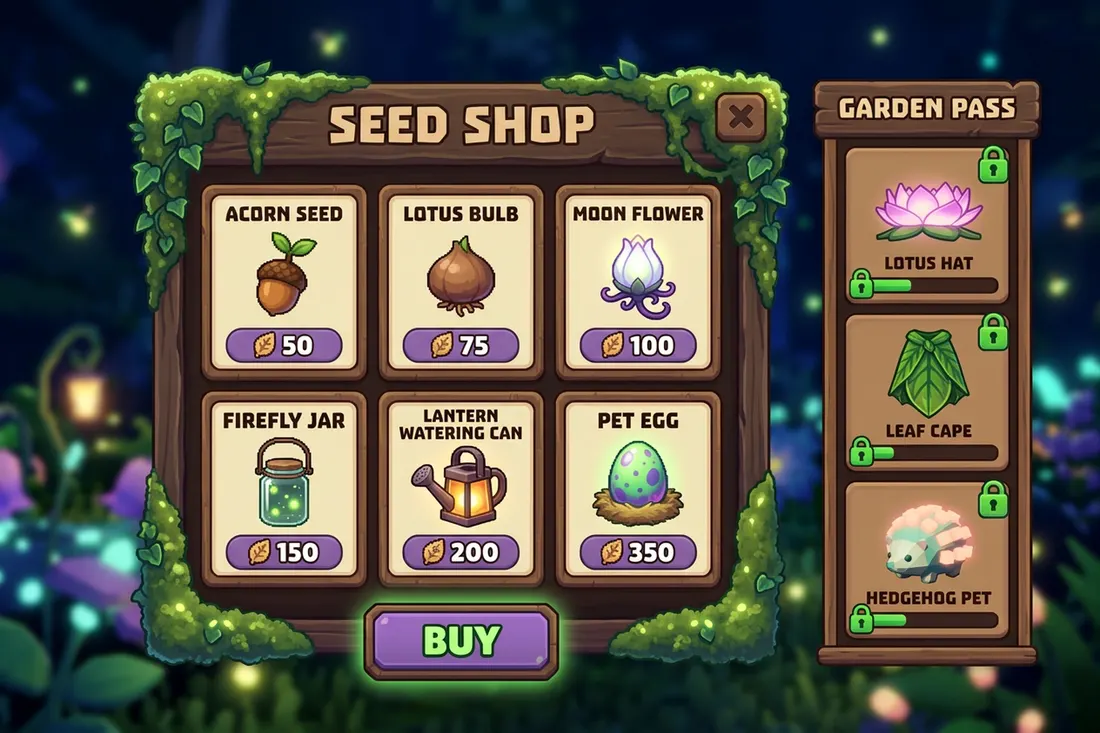
Textures, UI, icons and shop screens in the same style as the items.
- Tileable materials ready for your surfaces
- UI kits built to 9-slice
- Icon sets that stay consistent and read small
04 · Live updates
Ship an update every week without crunching art
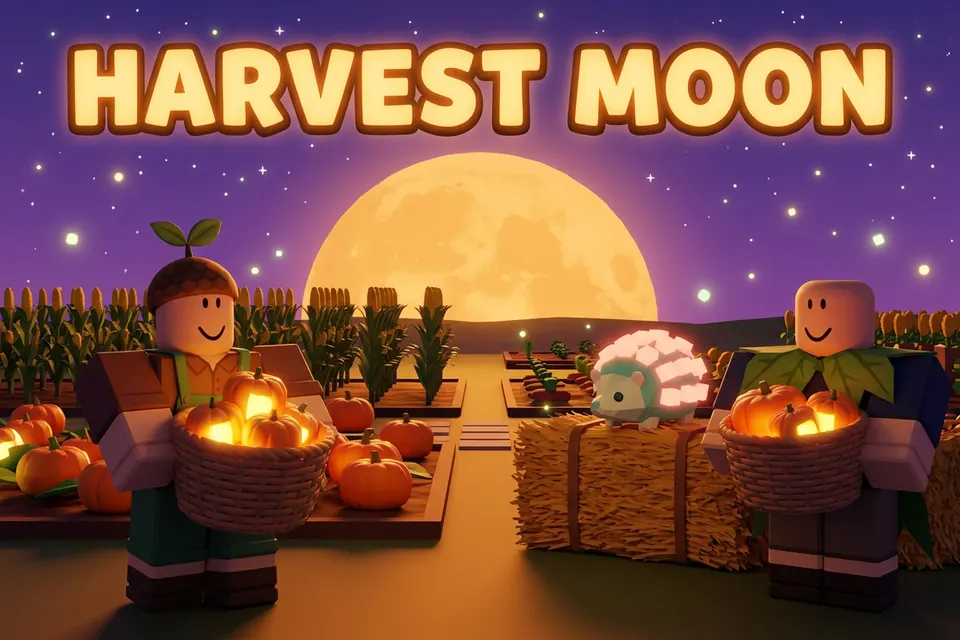
Top experiences update constantly, and every event needs banners, shop screens, pass rewards and icons.
- Publish the workflow so anyone on the team can run it: type the event, press Run
- The same Reference Set keeps every update on your game's style
- Group usage limits keep each week's art inside its budget
Workflow · Weekly update pack
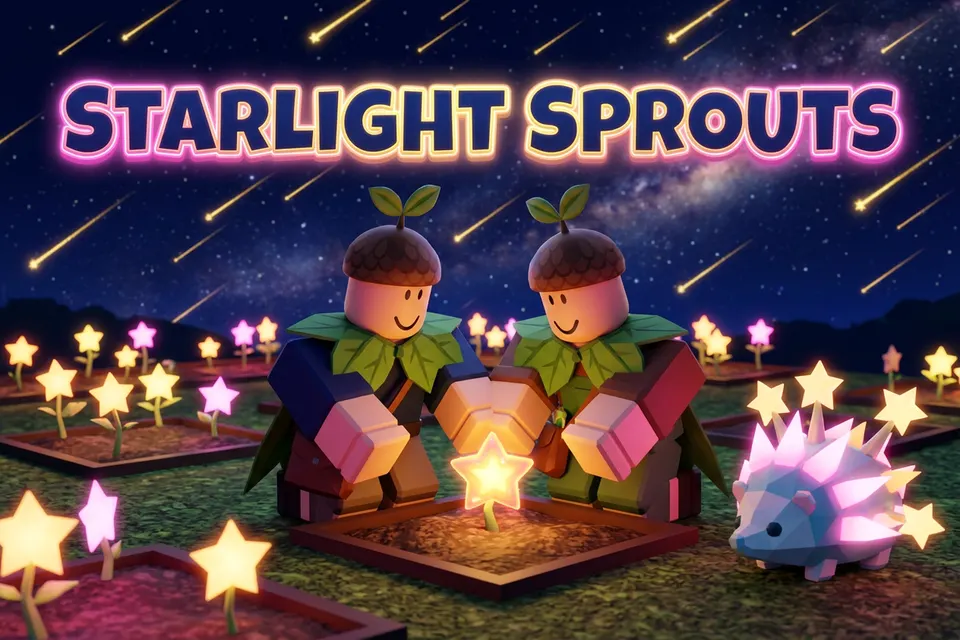
05 · Thumbnails & launch
Win the click, then sell the drop
Your thumbnails, on Roblox and on YouTube, decide whether players ever see the game.
- Thumbnail and icon variant sets that keep your characters and change the hook
- Vertical teasers from a still for TikTok and Shorts
- YouTube video thumbnails, Shorts covers and channel art for updates, devlogs and creator partners
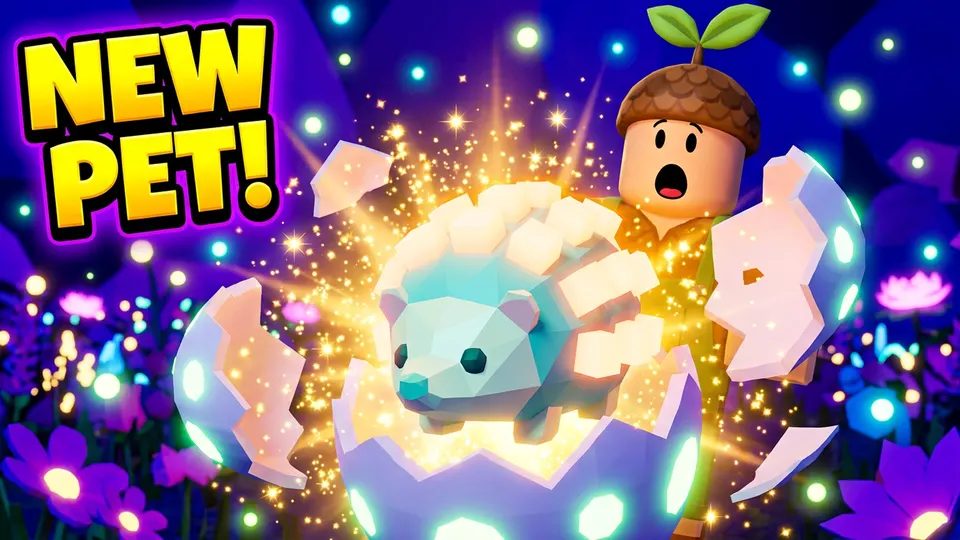 Winner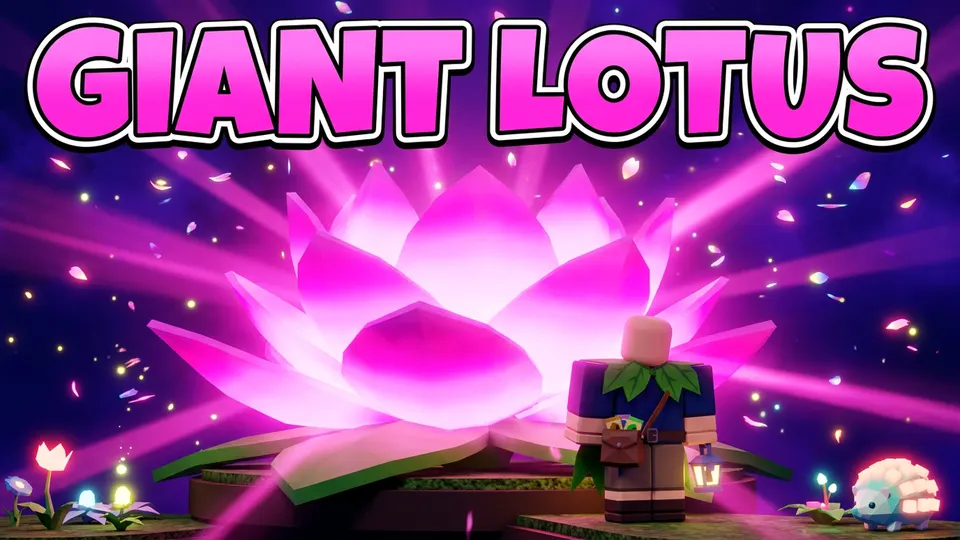
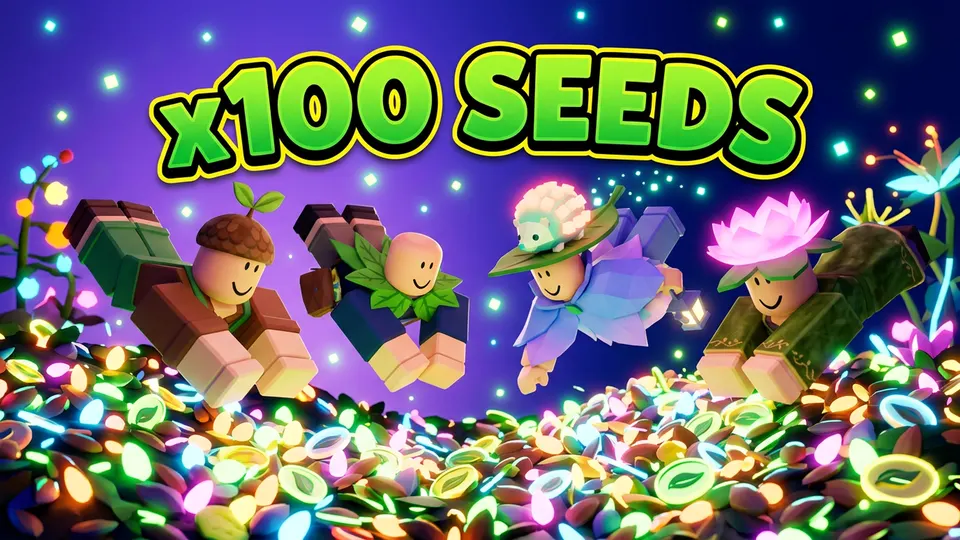
Reference Sets & Skills
The hundredth item matches the first
Build a Reference Set from your approved catalog.
- Images, captions, prompt templates and a colour palette in one set
- Mention it in any prompt with @, yours or a teammate's
- Train a custom style on the same set when references are not enough
- Customer data is never used to train foundation models
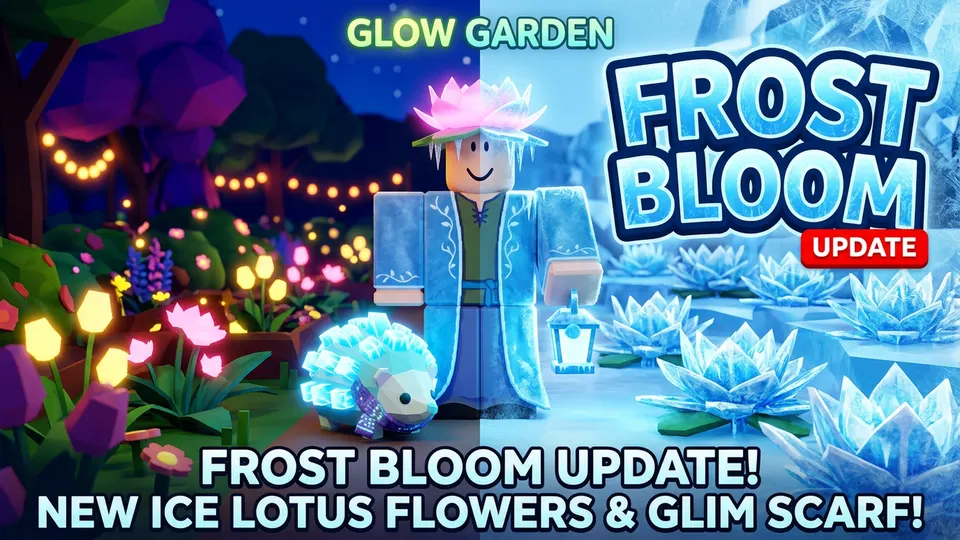
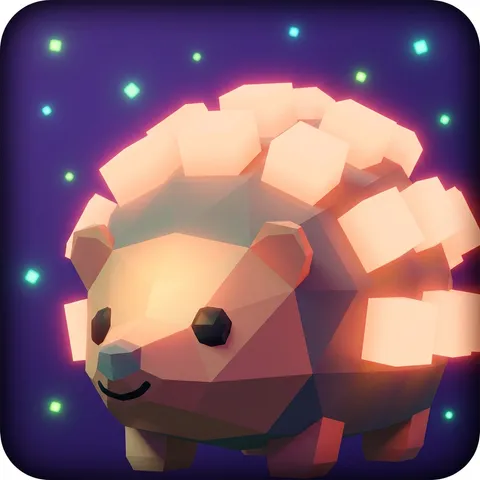
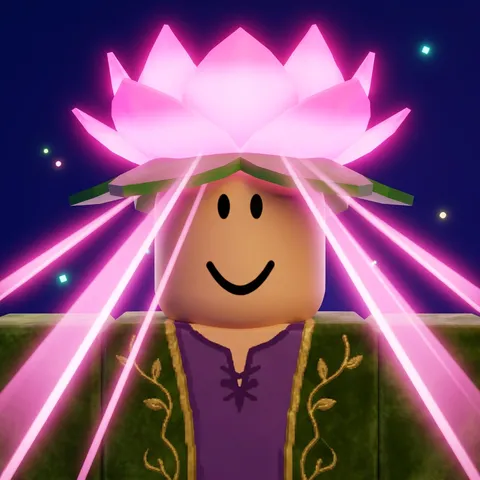
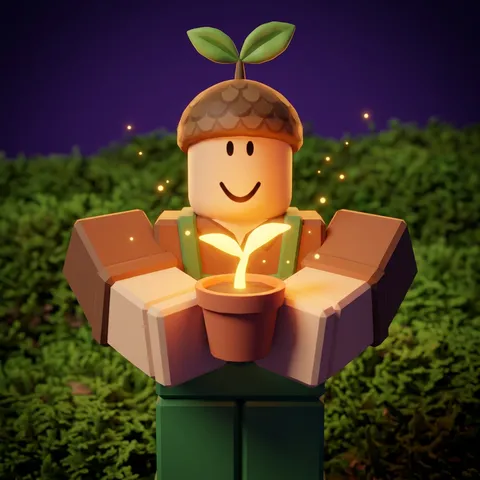
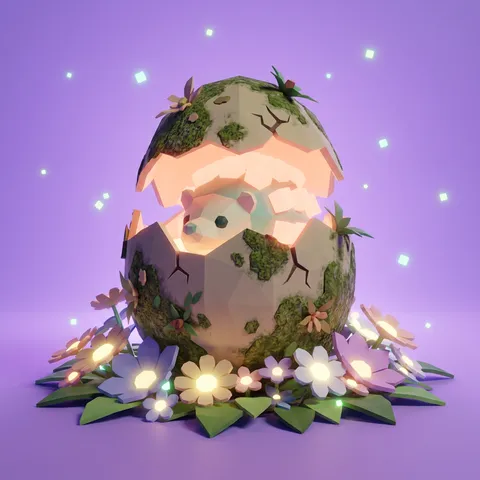
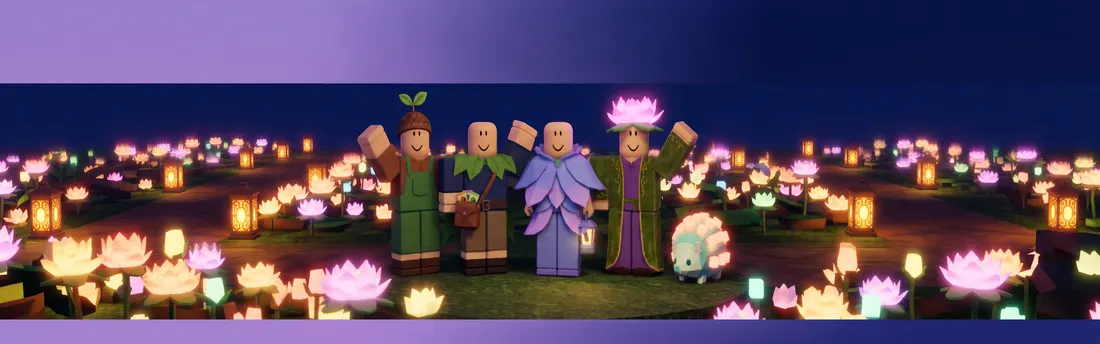
Glow Garden kit6 images

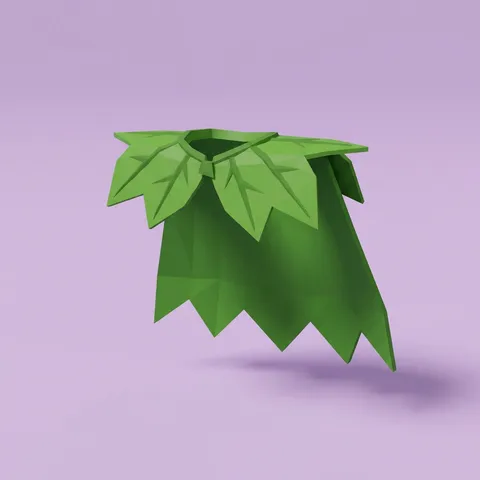
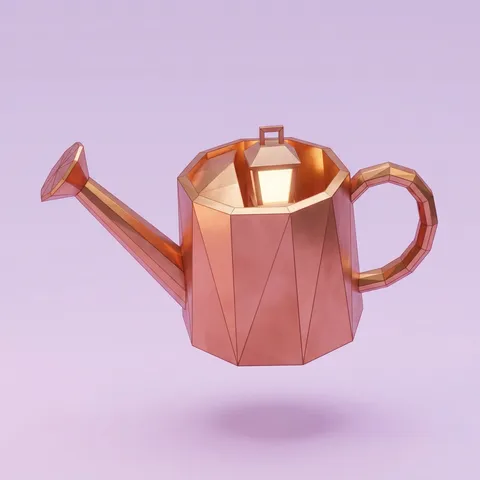
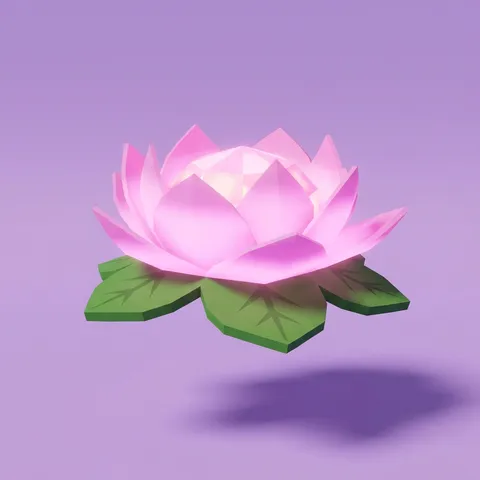
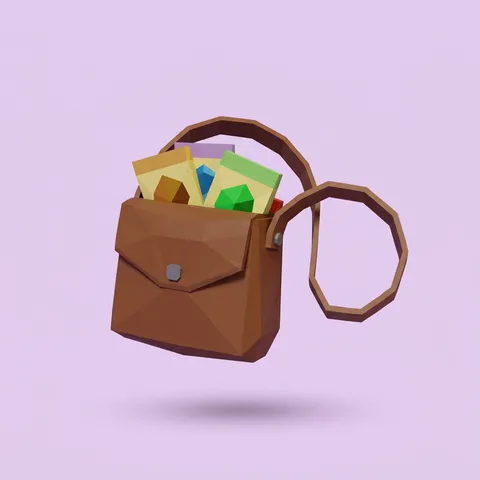
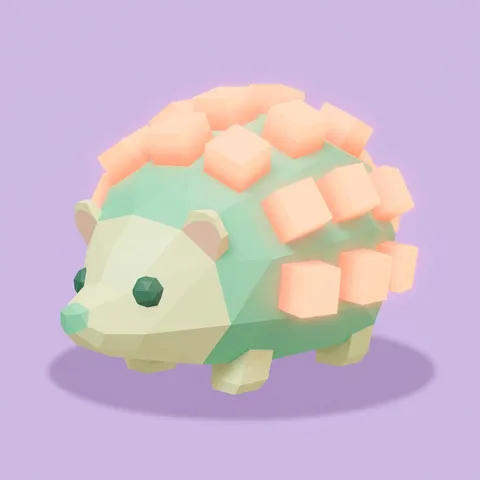
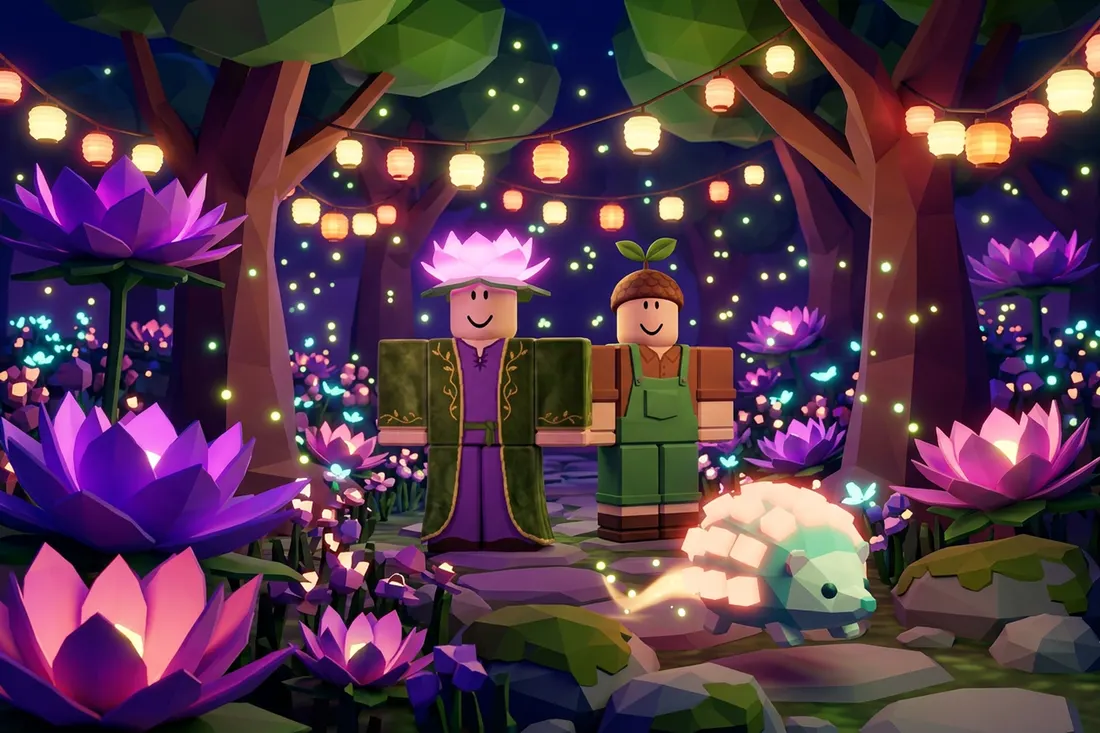
Prompt template: boxy R15 avatars, low-poly faceted accessories, warm lantern glow
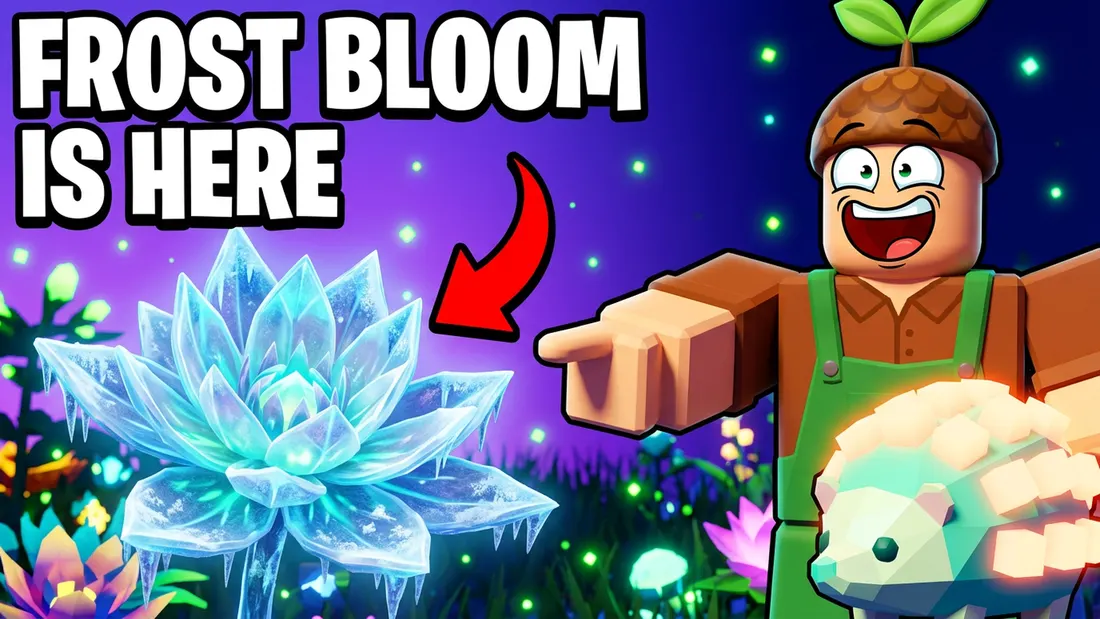
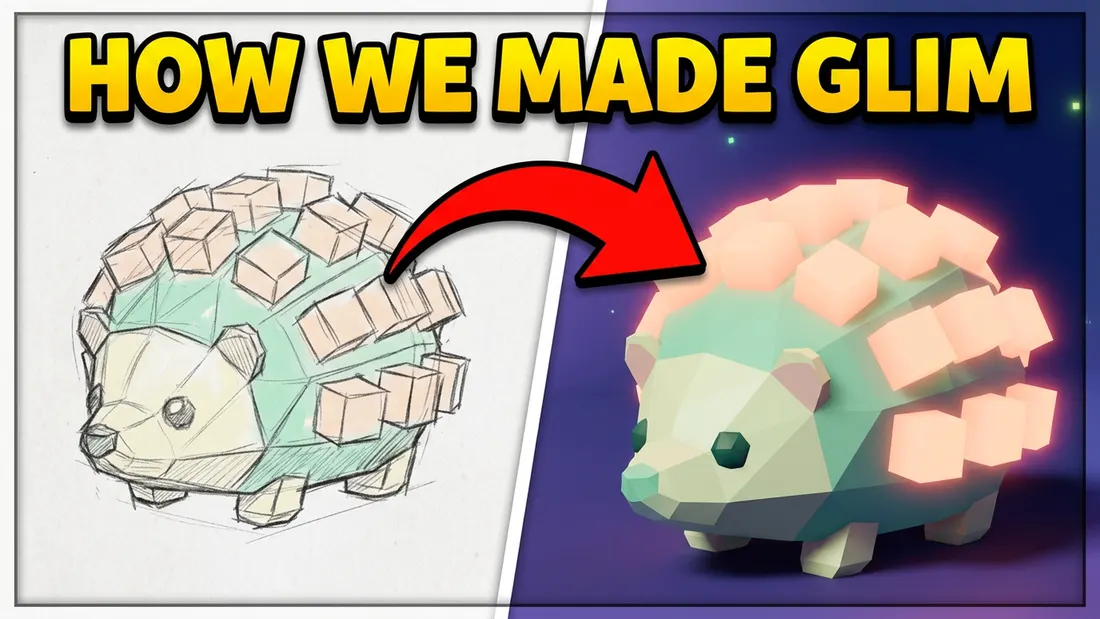
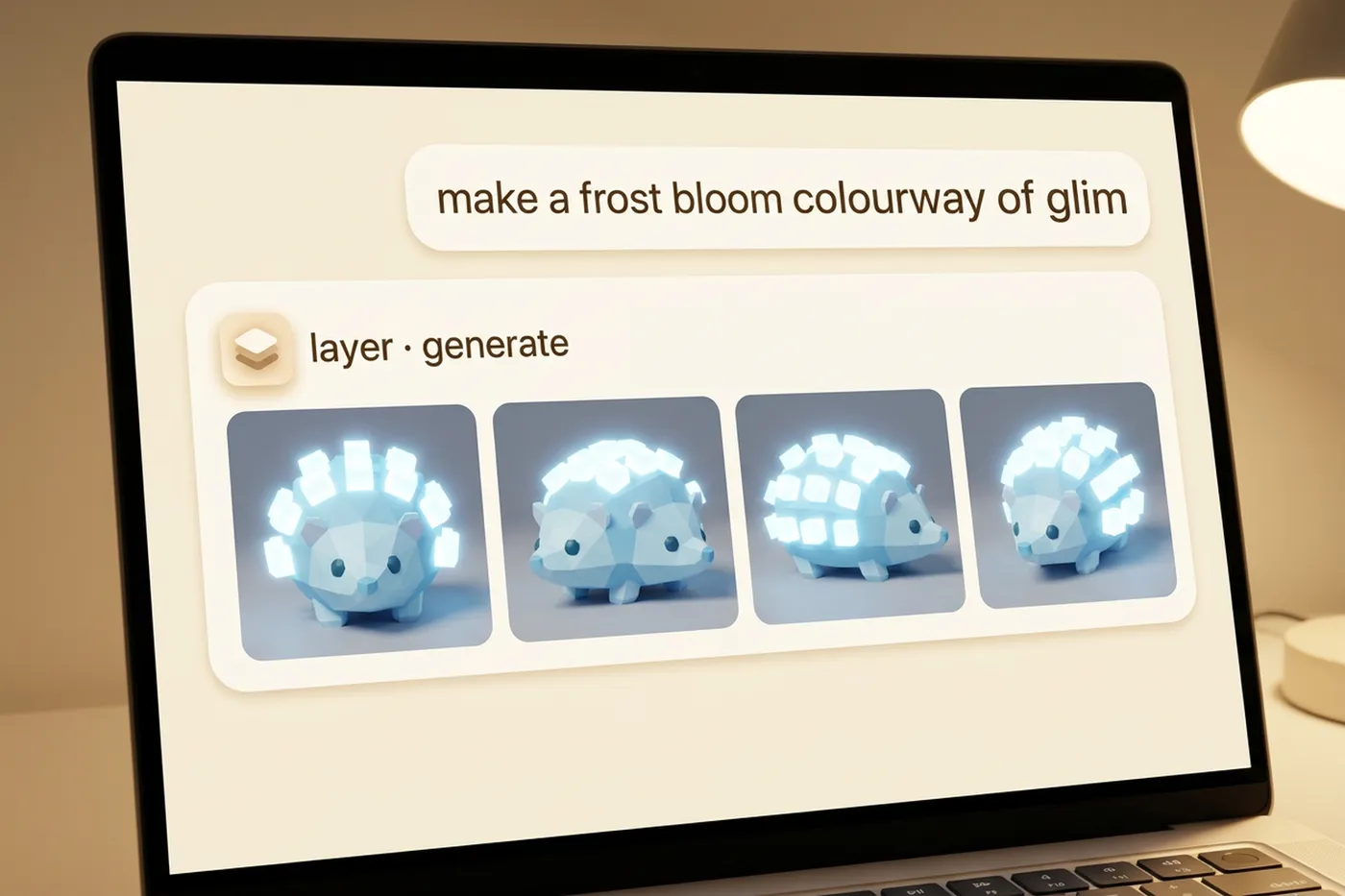
A lantern pet for the Frost Bloom drop, in Glow Garden kit
Creator teams
Add creators, not seats
Invite the whole creator team and pay for what it generates, in Creative Units. On Enterprise, groups give each team a role and a usage limit.
Illustrative numbers
Creator Network
Share your Layer work and earn monthly Creative Units, with a path to paid work.
Join the Creator NetworkShowcase
A launch drop, built in Layer
Four items, concept to textured GLB, in one workspace.
- Concepts and source views drawn in the drop's one style
- Textured GLB meshes from Tripo v3.1, ready for cleanup
- Thumbnail and teaser clip for launch day
Your stack
Into the tools you finish in
Blender, Maya, Photoshop and Figma, plus MCP, CLI and API.
- Photoshop
- Figma
- After Effects
- Premiere Pro
- Blender
- Maya
- Unity
- Unreal Engine
- Slack
- Chrome
- Layer MCP (Claude)
- REST API & CLI
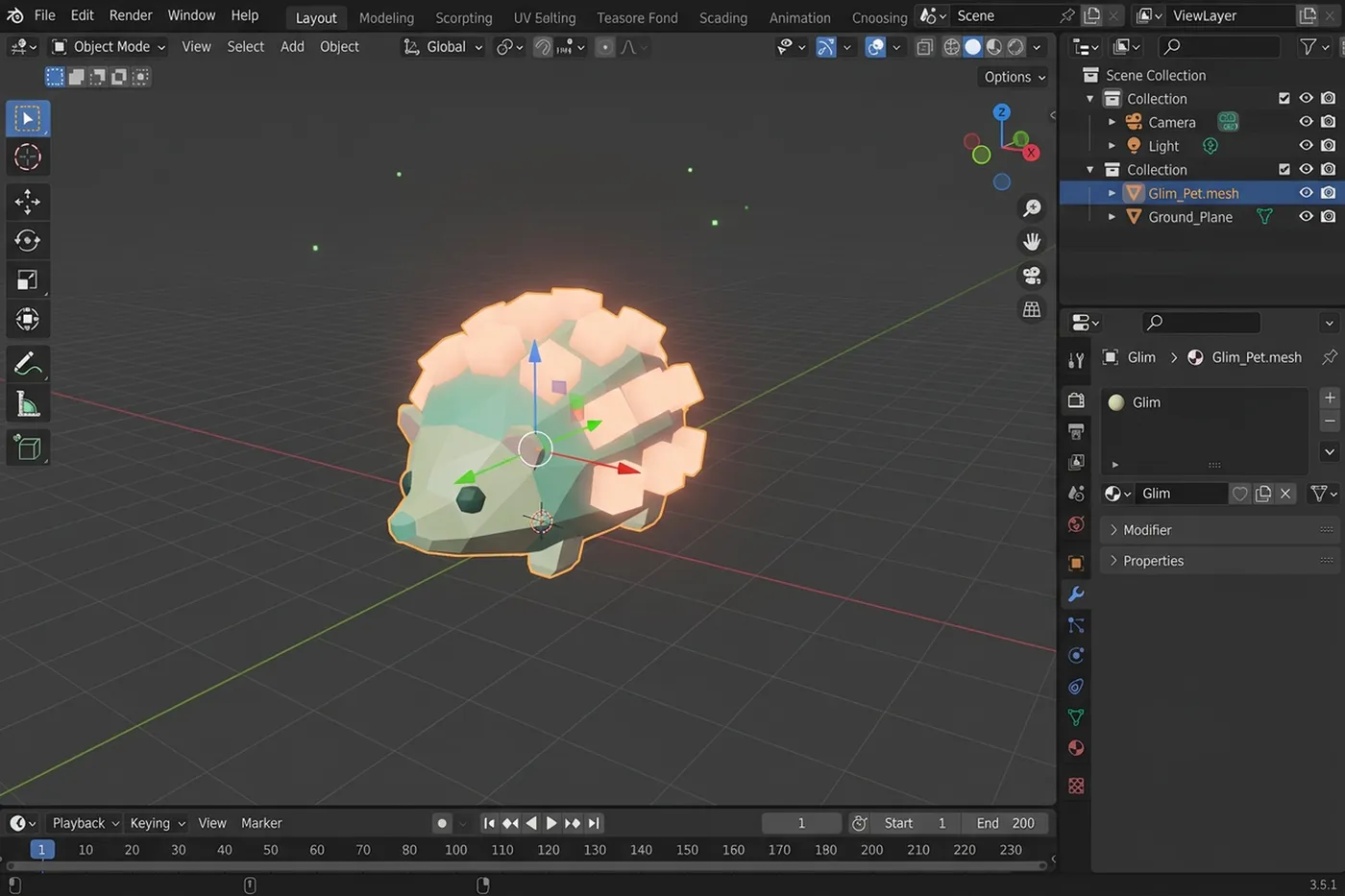
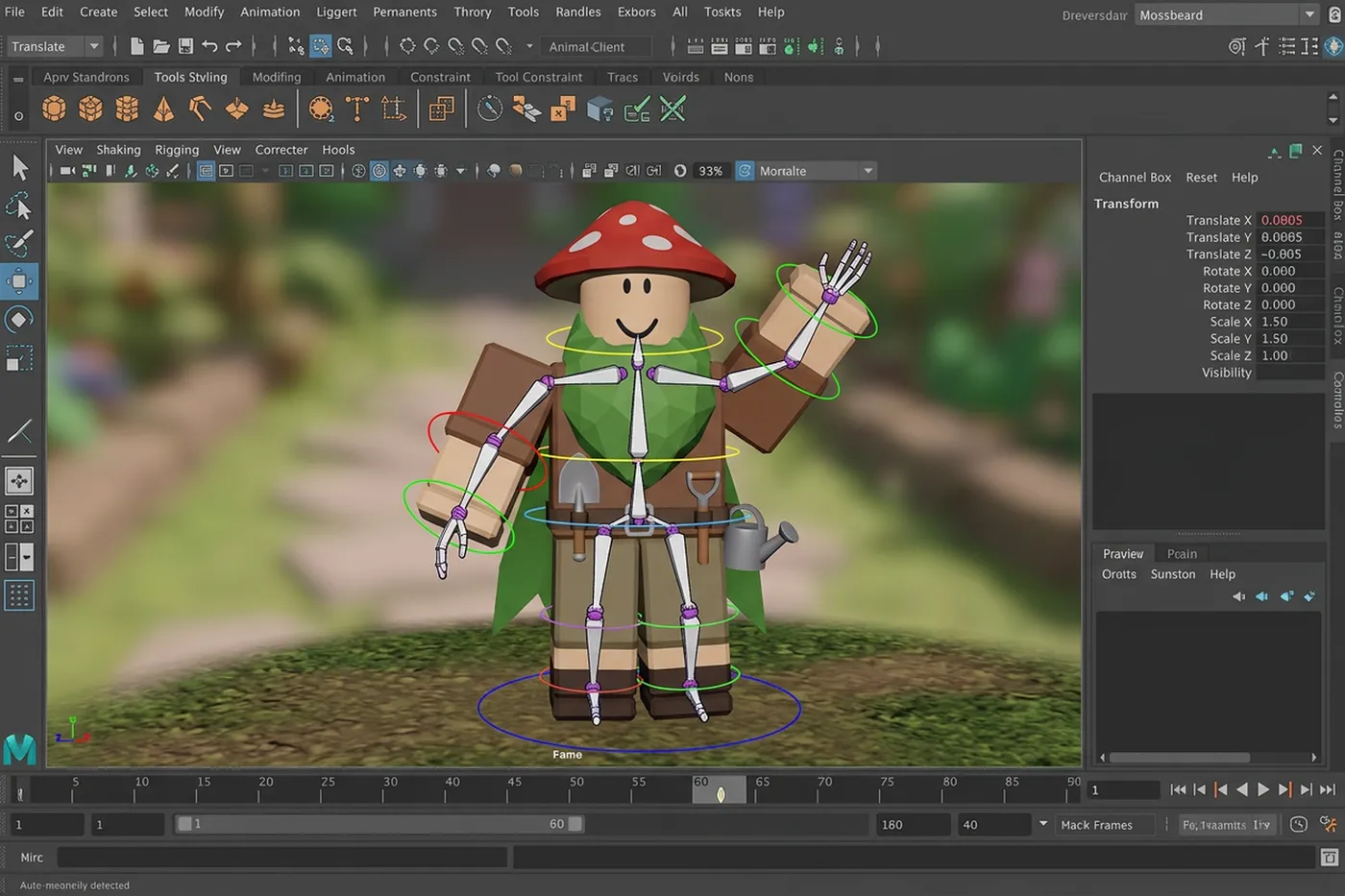
Blender. Bring the textured GLB into Blender to clean up topology, UVs and scale before it goes to Studio.
Founder walkthrough
Six things your creator team can do this week
Burcu Hakguder, Layer co-founder, walks through each one.
Questions Roblox teams ask
How is Layer different from the AI built into Roblox Studio?+
Studio's built-in AI is great for code and quick materials. Layer is where the art comes from: concept art, 3D items, UI, thumbnails, trailers and audio on one consistent art direction, for teams aiming at the top of the charts.
Can we make licensed brand or IP experiences in Layer?+
Yes. Give each brand partner its own project with a Reference Set built from the licensor's approved art, and export review packs for their sign-off. Your team and the brand stay responsible for clearing the IP and the platform's rules.
Can Layer match the look of my experience or catalog?+
Yes. Build a Reference Set from your approved art and mention it in any prompt, and every teammate starts from the same style.
Can Layer make 3D models for Roblox?+
Layer turns concept art or a description into textured meshes you can download as GLB or OBJ, or FBX where the model supports it. Treat them as a strong first pass: remesh to your polycount, check thin parts and scale, and test each item against the platform's requirements before you upload.
Which 3D models are included?+
Tripo, Meshy, Rodin and other leading 3D models sit beside the image and video models, and the agent picks one per brief or you choose. New models land in the same place.
Who owns what we make?+
You do. Outputs from your workspace are yours, under Layer's terms of service.
How does pricing work for a creator team?+
No per-seat fees. You pay for generations in Creative Units, so adding a creator adds what they make, not a seat.
Is it safe for unreleased items and experiences?+
Layer is SOC 2 Type II certified. Customer data is never used to train foundation models. Customer data is stored in the European Union. Workspaces keep teams apart, roles control access, and the audit log records every generation.
What else can we make besides items?+
Concept art for zones and characters, textures, tile sets, UI, icons, thumbnails, trailers and social posts, all in the same workspace and style.
Bring your next drop to Layer
Make your first item free today, or talk to sales.
No seat fees. Pay for what you generate in Creative Units.