Change Camera Angle AI
New Viewpoints of the Same Subject
Re-shoot a finished image from another angle, keeping the subject and the set.

![Made with FLUX.2 [flex]](https://media.dev2.layer.ai/workspaces/009d5ac0-fac3-45b1-83dc-1f1aa70c83f4/files/91860642-a316-4de3-949f-3d437467d657/flux-2-flex-posted-0_400.png)
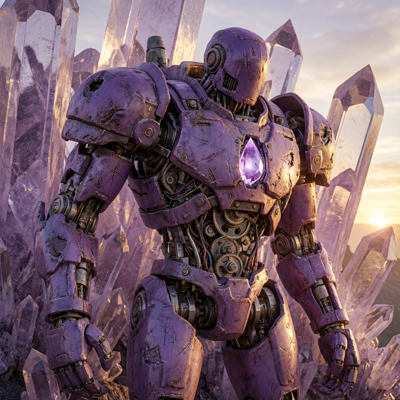
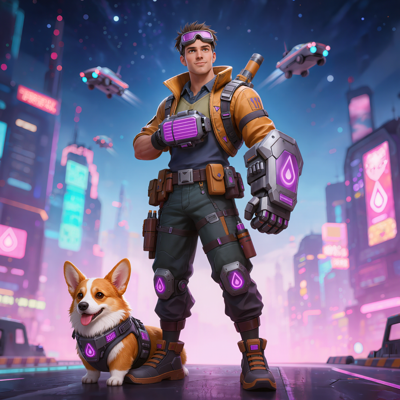
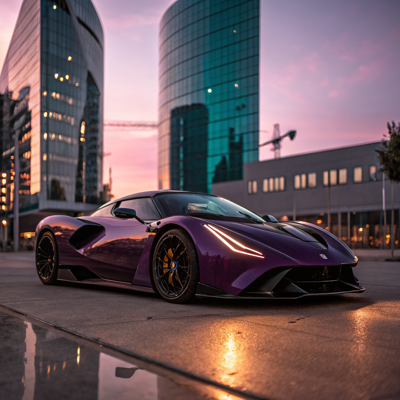
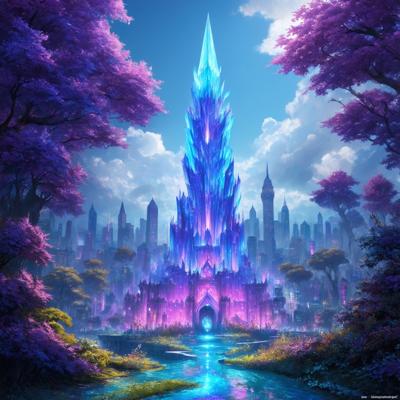
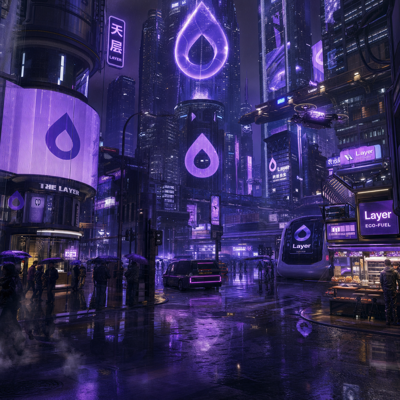
Change Camera Angle
Every character your team approves is locked into the composition it was created in. When a new ad concept needs the hero from a low dramatic angle, or a store banner wants the scene from above, the options have been grim: regenerate and hope the character survives the roll of the dice, or brief an artist to redraw the pose from scratch.
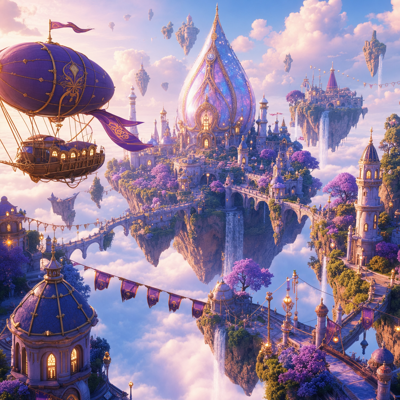
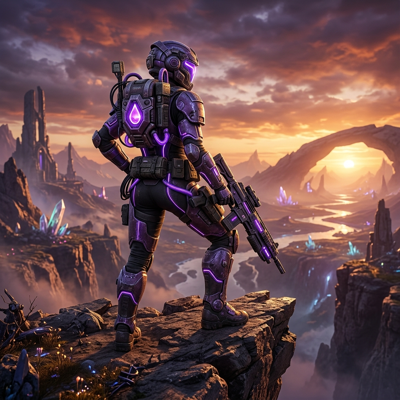
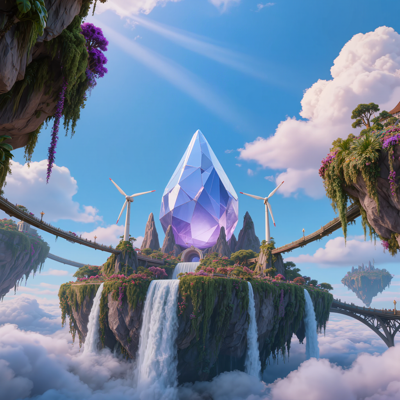
Change Camera Angle on Layer re-renders the subject from a new viewpoint using multi-angle models. The character stays the character and the scene stays the scene—only the camera moves. One approved subject becomes a library of compositions for ads, store art, and everything in between.
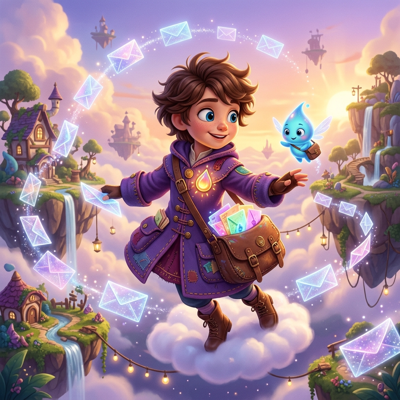
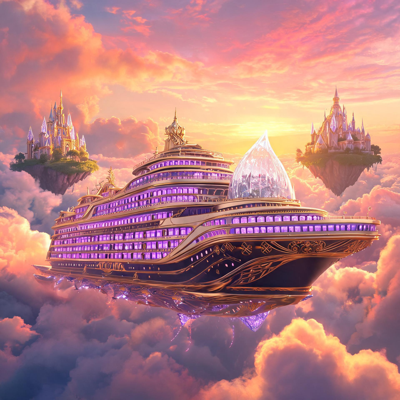
![Made with FLUX.2 [flex]](https://media.dev2.layer.ai/workspaces/009d5ac0-fac3-45b1-83dc-1f1aa70c83f4/files/689291de-e8f3-450e-bbd7-54eb54872110/flux-2-flex-posted-1_400.png)
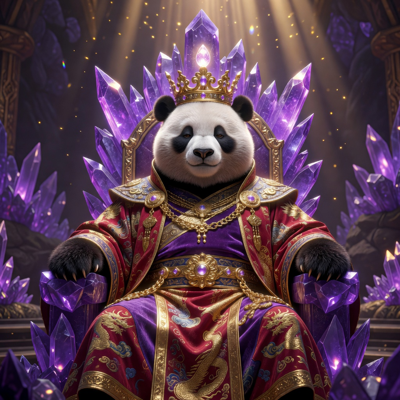
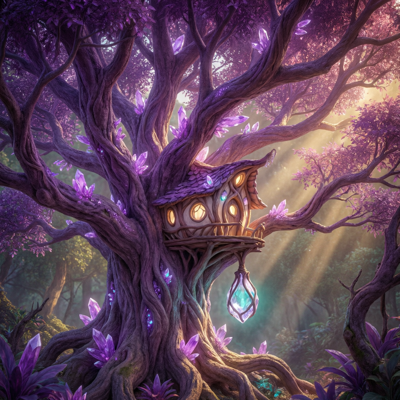
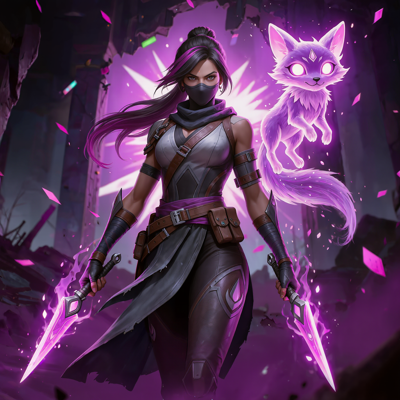
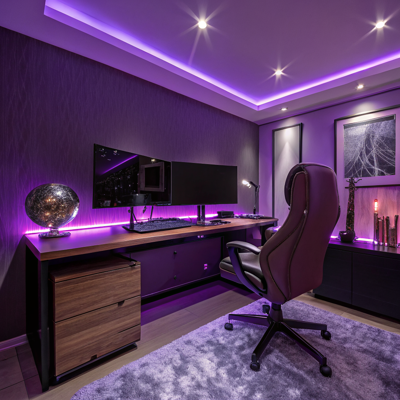
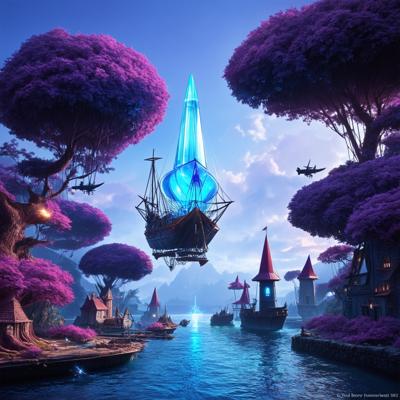
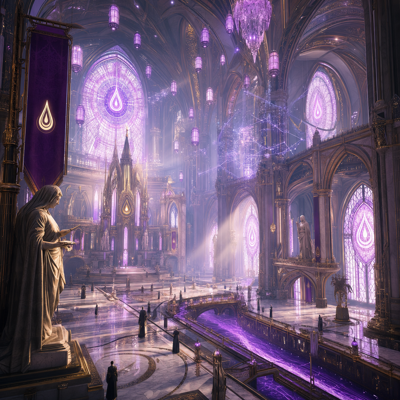
01
Key capabilities
New Viewpoints, Same Subject
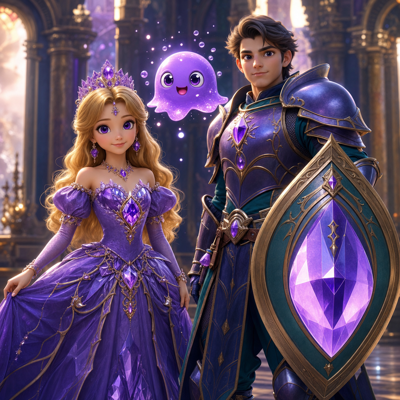
Request a different perspective and get a fresh composition where the subject's identity, details, and style carry through. It's the same hero, seen anew.
Multi-Angle Models
Purpose-built multi-angle models handle the viewpoint change, producing coherent geometry and framing rather than a lucky reinterpretation.
Composition Freedom
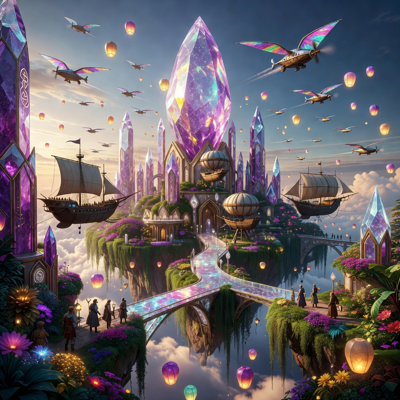
Explore dramatic low angles, overhead views, and profile framings from one source image—finding the composition each placement needs without new source art.
Works with Characters and Scenes
Re-render a single character, a prop, or an entire scene from a new angle, depending on what the creative calls for.
Batch and Workflow Ready
Generate a set of viewpoints in one batch, or wire angle changes into a node-based workflow that produces every framing a campaign needs automatically.
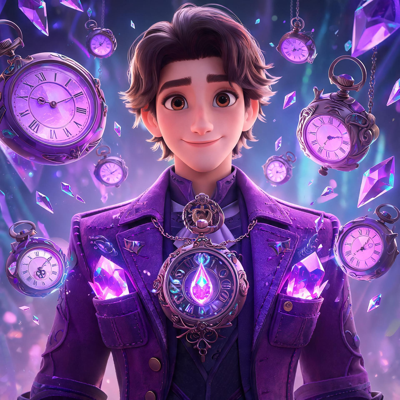
![Made with FLUX.2 [flex]](https://media.dev2.layer.ai/workspaces/009d5ac0-fac3-45b1-83dc-1f1aa70c83f4/files/5d794bd3-ab25-4b60-afce-ba263852cebb/flux-2-flex-posted-2_400.png)
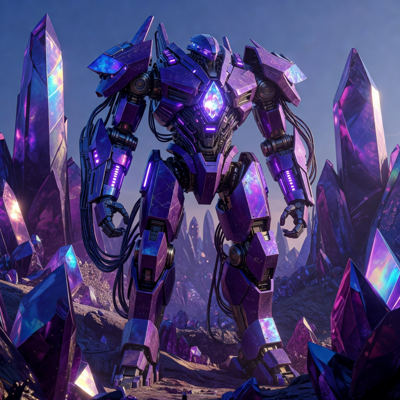
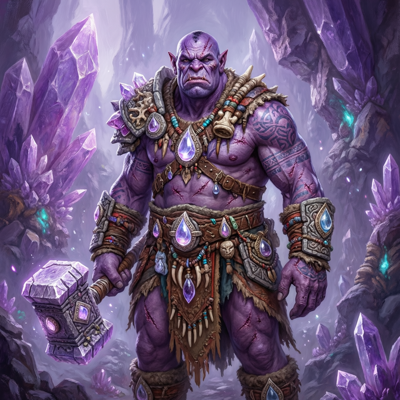
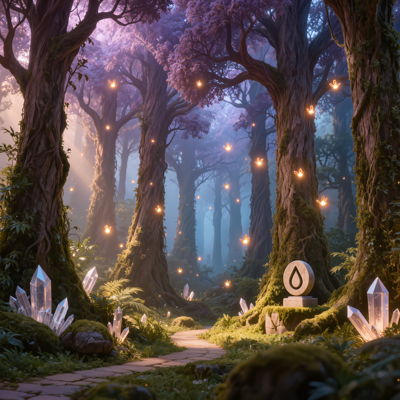
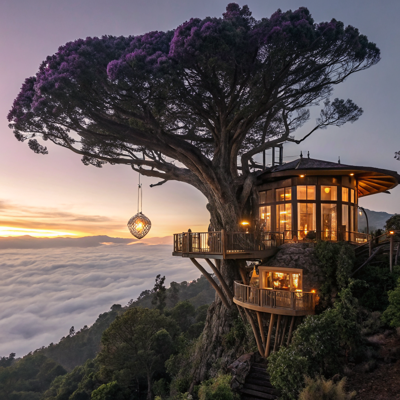

02
How it works
Select your asset
Open any image in Layer featuring the character or scene you want to re-frame—a generation, key art, or an upload from your library.
Choose the new viewpoint
Describe the angle you're after: the perspective, the framing, the composition. The multi-angle model handles keeping the subject consistent.
Generate and refine
Layer re-renders the subject from the new viewpoint. Compare candidates, adjust the angle, and iterate until the composition lands—then batch the winners.
The industry's best image models. One platform.
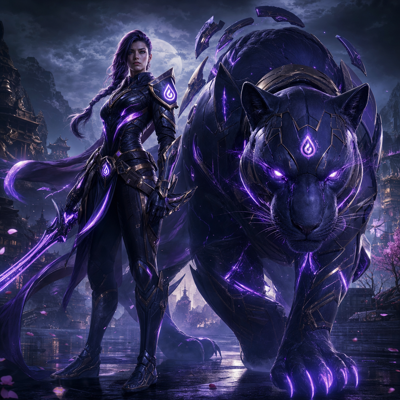
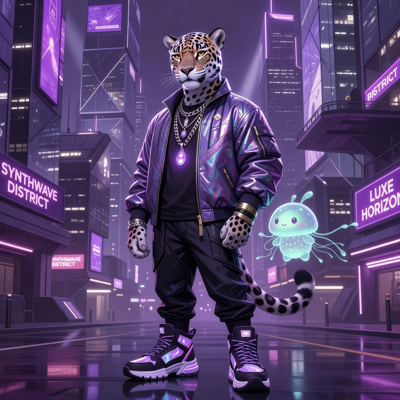
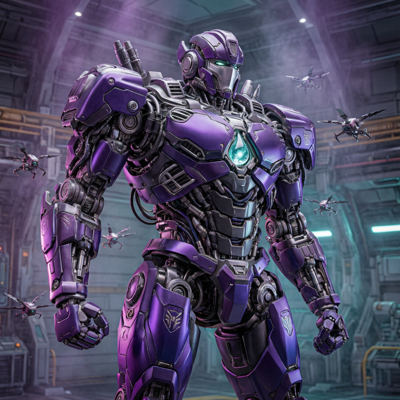
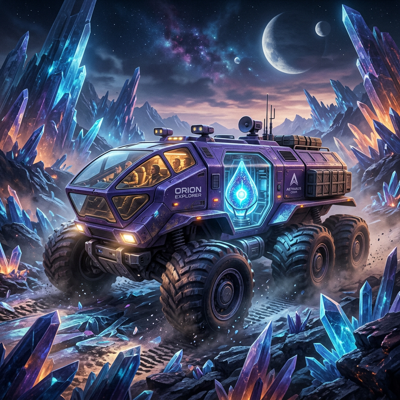
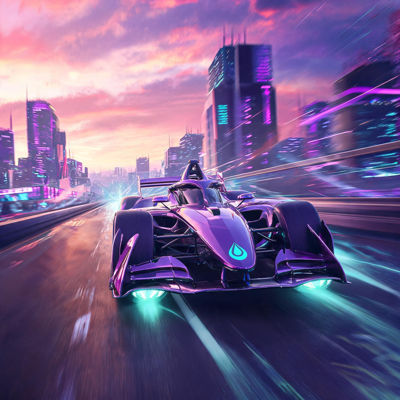
![Made with FLUX.2 [flex]](https://media.dev2.layer.ai/workspaces/009d5ac0-fac3-45b1-83dc-1f1aa70c83f4/files/6e2d5371-b47e-4673-a331-f30b5a05e8ce/flux-2-flex-posted-3_400.png)

03
Built for game production
UA Creative Variants
Ad fatigue demands fresh compositions, not fresh characters. Generate new angles of a proven hero to keep campaigns novel while the brand stays consistent.
Store and Featuring Art
Different store slots favor different framings. Produce the portrait, landscape, and close-up compositions each surface needs from one approved subject.
Game Art Exploration
Explore how a character or scene reads from other perspectives during development—reference material for animation, promo shots, and level art without a full illustration pass.
Marketing Assets
Give every campaign beat its own composition of the same hero—reveal, action, triumph—while keeping the character identical across all of them.
Layer is trusted by 400+ game studios and entertainment brands, including Zynga, SciPlay, and Huuuge Games, with 300+ AI models across image, video, 3D, and audio. Change Camera Angle turns one approved subject into every composition your channels ask for.
04
Related features
Questions about Change Camera Angle
What does Change Camera Angle do?+
It re-renders a subject from a new viewpoint using multi-angle models, giving you fresh compositions of the same character or scene without regenerating from scratch.
Will my character stay consistent from the new angle?+
Yes. The feature is built to preserve the subject's identity and details while changing the viewpoint, so the new composition still reads as the same character or scene.
What angles can I generate?+
You can request new viewpoints of the subject—different perspectives and framings of the same character or scene—and iterate until the composition works for your placement.
Can I generate multiple angles at once?+
Yes. Change Camera Angle works on single assets or in batches at scale, and it can run inside node-based workflows to produce a full set of viewpoints in one pass.
Do I need a credit card to try it?+
No. Layer is free to start with no credit card required, and pricing is consumption-based Creative Units with no seat fees—plans start at $10/month for 300 CUs with 10% rollover.
Try Change Camera Angle today
See your characters and scenes from every angle that sells. Start free on Layer—no credit card required.