AI Upscaler
Production Resolution from Any Generation
Upscale to print and store resolution without softening the art, across images and video.
![Made with FLUX.2 [flex]](https://media.dev2.layer.ai/workspaces/009d5ac0-fac3-45b1-83dc-1f1aa70c83f4/files/91860642-a316-4de3-949f-3d437467d657/flux-2-flex-posted-0_400.png)
Upscale
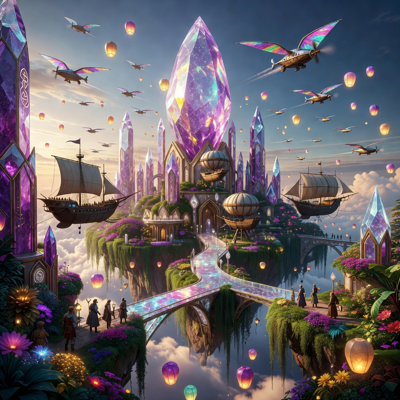
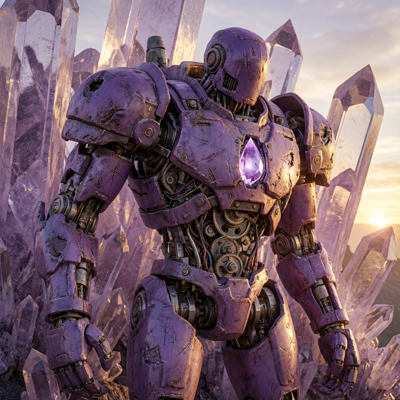
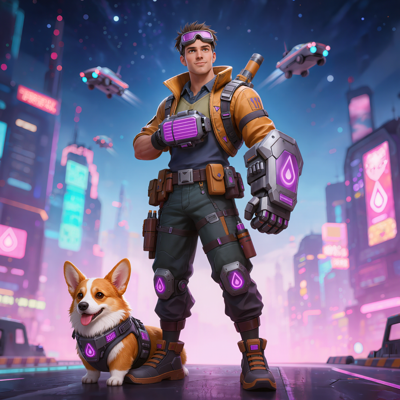
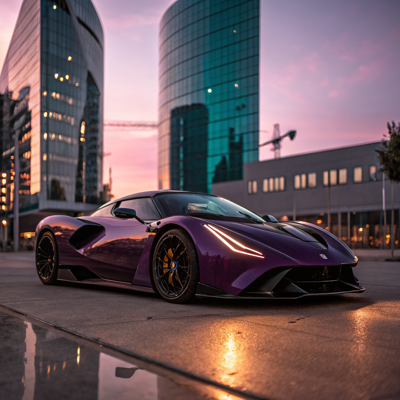
AI generations, legacy art, and quick concepts often arrive at resolutions that work on a monitor but fail in production. Store pages, marketing placements, high-DPI devices, and print all demand more pixels—and simply stretching an image turns crisp art into a blurry liability.
Upscale on Layer raises resolution and detail together. AI enlarges the asset while reconstructing edges, textures, and fine features, with controls that let you decide how faithful or how imaginative the enhancement should be. It works on video too, so a clip can hit its target resolution the same way an image does.
![Made with FLUX.2 [flex]](https://media.dev2.layer.ai/workspaces/009d5ac0-fac3-45b1-83dc-1f1aa70c83f4/files/689291de-e8f3-450e-bbd7-54eb54872110/flux-2-flex-posted-1_400.png)
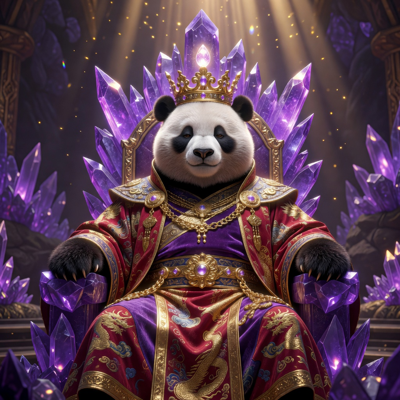
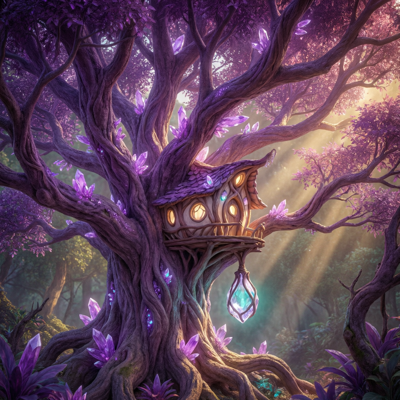
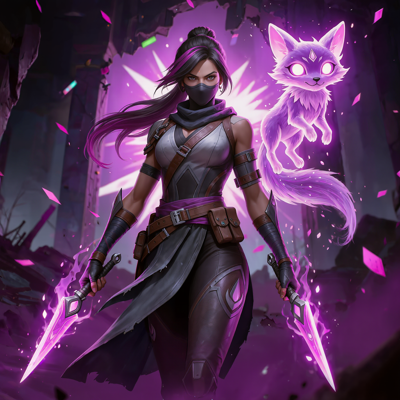
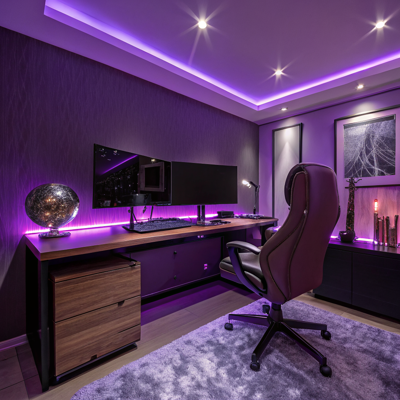
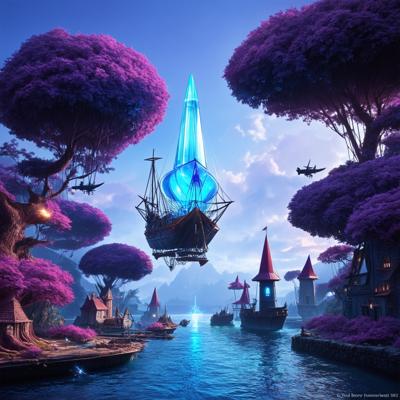
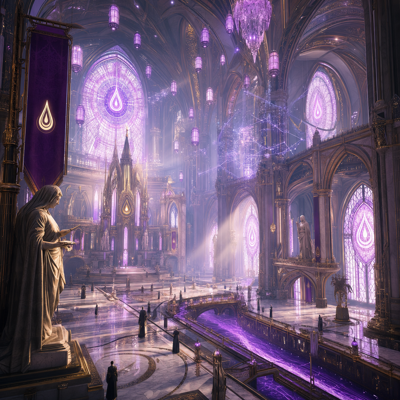
01
Key capabilities
Resolution and Detail Together
Upscaling doesn't just add pixels—it adds coherent detail. Line work stays sharp, textures stay textured, and the result looks like it was produced at the larger size.
Creativity and Resemblance Controls
Dial resemblance up for faithful enlargements of approved art, or raise creativity to let the model invent finer detail as it scales. You control the trade-off per asset.
Multiple Size Targets
Choose the output size that matches the destination—an in-game texture, a store banner, or a large-format marketing piece—instead of settling for one fixed multiplier.
Video Upscaling
Raise a clip's resolution as easily as an image's, bringing motion creatives and captured footage up to placement specs.
Batch and Workflow Ready
Upscale entire libraries at once, or make upscaling a standing step in a node-based workflow so every generated asset comes out production-ready by default.
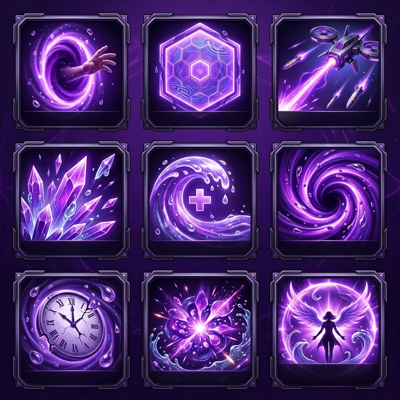
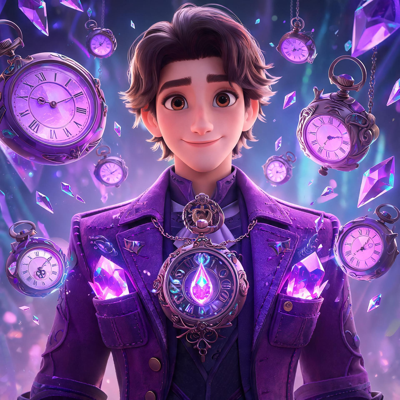
![Made with FLUX.2 [flex]](https://media.dev2.layer.ai/workspaces/009d5ac0-fac3-45b1-83dc-1f1aa70c83f4/files/5d794bd3-ab25-4b60-afce-ba263852cebb/flux-2-flex-posted-2_400.png)

02
How it works
Select your asset
Open any image or video in Layer—a generation, an upload, or an older asset from your library that needs new life.
Configure the upscale
Pick your size target, then set creativity and resemblance to match the job: faithful for approved art, creative for concepts that can absorb new detail.
Generate and refine
Layer produces the high-resolution result. Compare against the original, adjust the controls if needed, and export—or send the output onward to another editing step.
The industry's best image models. One platform.
![Made with FLUX.2 [flex]](https://media.dev2.layer.ai/workspaces/009d5ac0-fac3-45b1-83dc-1f1aa70c83f4/files/6e2d5371-b47e-4673-a331-f30b5a05e8ce/flux-2-flex-posted-3_400.png)
03
Built for game production
Game Art Delivery
Take concept generations to final-asset resolution without a repaint pass, and rescue older assets whose source files are long gone.
UA Creative Specs
Ad networks and premium placements have minimum resolution requirements. Upscale ensures every variant in a campaign meets spec, in batch.
Store and Featuring Art
App store key art and featuring slots showcase your game at large sizes. Ship crisp, detailed art that holds up on every screen.
Marketing and Print
Push hero art to the resolutions that events, out-of-home, and print materials demand—without commissioning a re-creation of the original.
Layer is trusted by 400+ game studios and entertainment brands, including Zynga, SciPlay, and Huuuge Games, with 300+ AI models across image, video, 3D, and audio. With Upscale, no good asset gets left behind at the wrong resolution.
04
Related features
Questions about Upscale
What does the AI upscaler do?+
It increases the resolution of an image or video while adding coherent detail, so a small generation or legacy asset becomes sharp enough for production use.
What are the creativity and resemblance controls?+
Resemblance keeps the upscale faithful to the original, while creativity lets the model invent finer detail as it enlarges. You choose the balance for each asset.
Can I upscale video too?+
Yes. Video upscaling raises a clip's resolution the same way image upscaling does, so motion assets can hit placement specs as well.
What size targets are available?+
You can choose between multiple size targets depending on where the asset needs to ship, from modest enlargements to high-resolution output for print-quality and store-quality art.
Can I upscale assets in bulk?+
Yes. Upscaling works on single assets or in batches at scale, and it can run inside node-based workflows—for example, generate, upscale, and export in one repeatable pipeline.
Try Upscale today
Get every asset to production resolution in one step. Start upscaling free on Layer—no credit card required.