
Win the pitch.
Ship every placement.
Keep every client on-brand.
The AI creative platform for agencies and in-house performance teams. Concept a campaign world in a day, produce it for every placement and market, and keep each client in its own private workspace.
Book a demo and we’ll run one of your briefs through every placement before the call.
- 300+ AI models, one agent: video, statics, playables, 3D and audio
- A private project or sub-workspace per client, never trains anyone else’s model
Brands, apps, e-commerce and games, on one platform
Your Monday is a beauty launch, your Tuesday a sneaker drop for an online store, your Wednesday an app install campaign, your Thursday a mobile game UA refresh. Layer handles every kind of client in the same workspace, each kept to its own brand, rules and budget. Running performance in-house at a brand, an app, an e-commerce business or a game studio? The same workflows give your UA and growth team agency-level output without the agency.

Campaigns that look like the brand
Seasonal and launch campaigns, sponsorship and event moments, paid social and display in every market, with logo, palette and tone held exact.
Performance creative at volume
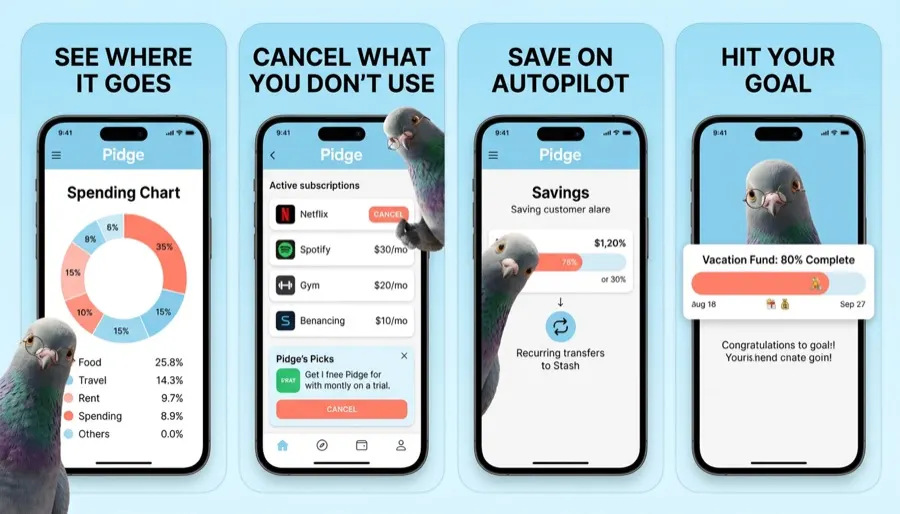
UI-led statics, app store screenshots, short explainers and hundreds of test cells, with legal lines held in the client’s Skill.

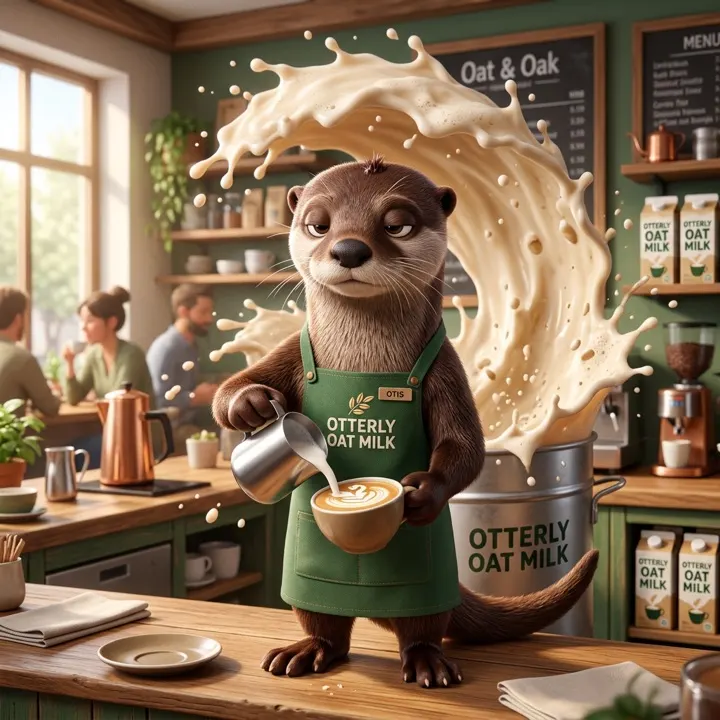
Characters that stay on-brand
UA video, playables, key art and licensee kits, with characters consistent across every pose, shot and territory.

Promos for every event
Seasonal promos, CRM headers, banners and re-themed game art, with every market’s ad rules reviewed by your team before launch.
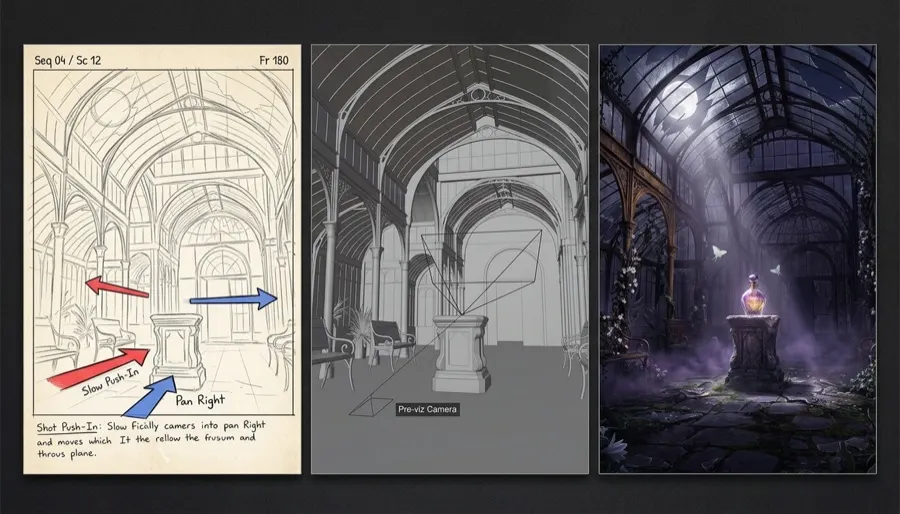
Pre-viz to finished shots
Storyboards, animatics, plates and alpha-channel elements that drop into After Effects, Premiere and DaVinci Resolve.

Every product, every scene
Product shots placed into any setting, catalogue and marketplace images, sale and drop creative, and short product videos, with packaging and colour kept exact across thousands of SKUs.
What agencies told us gets in the way, and how Layer clears it
From Work Dog Studios and the agencies we work with every week.
“We juggle a dozen AI tools on every job”
300+ models, one agentImage, video, 3D, audio and playables in one workspace. The agent picks the model per brief and shows the cost first, so producers stop stitching platforms together.
Creative Agent“Every generation is a roll of the dice”
Consistent enough for client workReference Sets keep characters and style steady across stills and frames, and alpha-channel video drops animated characters straight into a scene.
Reference Sets · Video“Generic AI art in a pitch costs us the deal”
Pitch work that looks finishedThe best model per asset, consistent characters and finishing tools, so a rough idea becomes a production-quality world in a day, not a week of moodboards.
Pitch work“Presets make every client look the same”
Each client keeps its own lookA Reference Set and a Skill per client hold their brand, tone and legal lines, and every output is scored against them.
Skills · QA outputs“Resizing and versioning eats the margin”
Every format, every channel, one batchSocial statics, display banners, GIFs and Lottie files in every size and market from one approved concept, with usage tracked per client so you see what each account costs to produce.
Reframe · Batch“Client procurement blocks consumer AI tools”
Passes the security reviewSOC 2 Type II, a separate project or sub-workspace per client, SSO and SCIM, a full audit log, DPA support. Client work never trains foundation models.
Trust CenterLearn one tool, not twelve
Statics, video, motion, audio and playables behind one prompt box. The agent picks the right model for each brief and shows the cost first; your designers finish in Figma, Photoshop or Premiere without exporting and re-importing.
 Image
Image 3D
3D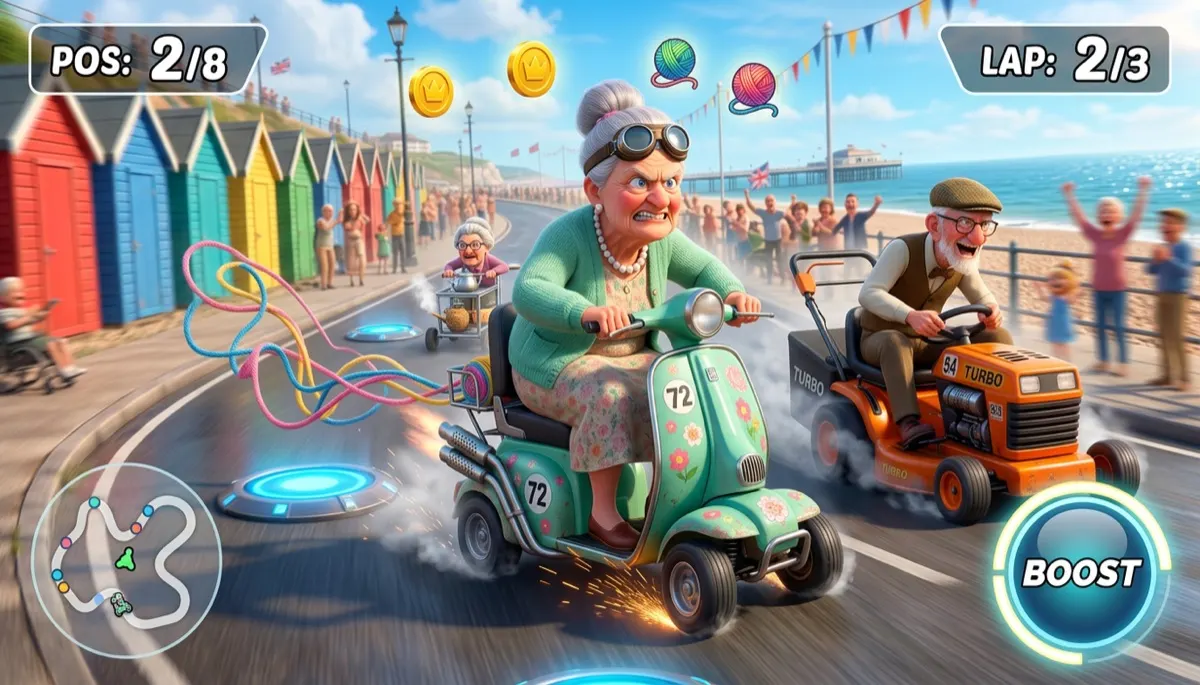 Playable
 Statics
300+ models, one agent, across image, video, 3D, audio and playables. New models land in the same place, so your team never switches tools.
Spend your hours on the work clients pay for.
Clients pay for the idea, the craft and the results, not for resizes and versions. Layer takes the production that eats every retainer, so the same team handles more clients, more briefs and more pitches, at a better margin.

The work clients pay you for
- The insight and the concept
- Art direction and brand judgement
- The test plan and what each cell isolates
- The client relationship and sign-off


96 assets from one decision
- Every concept in 8 placements
- Every placement in 4 markets
- Round 2 and 3 on the winning hook
- A cut-down video for each shape
Illustrative: 3 approved concepts × 8 placements × 4 markets.
Four jobs ad teams give Layer
The production that sits between an approved idea and a live campaign.
Win the pitch with work that looks finished, not like AI slop
Clients can spot generic AI art in a second, and it costs you the deal. Layer gives your artists the best model for every asset, characters that stay consistent across every frame and the polish tools to finish them, so you walk into the pitch with a world that looks production-ready.
- The right model for each asset, from 300+, instead of one model for everything
- Reference Sets keep characters and style consistent across every pose, scene and shot
- Upscale, relight, inpaint and finish in Photoshop or After Effects before anyone sees it
- A full concept world in a day, built from assets that carry straight into production when you win
Pitch-ready, not prompt-ready: art your client would believe shipped.
Test more concepts than your channels can tire of
Ad platforms reward fresh creative and the team with more concepts in test finds the winner first. A strategist takes a brief to a reviewable, scored set in minutes, so testing is limited by ideas, not production hours.
- 50–100 concepts a day per strategist, against 5–10 by hand
- Every output scored against the client’s brand rules as it lands
- One variable per cell (hook, background, character, CTA) for clean reads
- Trends (beta) breaks down the hook structures working in the category
A · control B · background
 C · character
 D · CTA













Every cell changes one thing: hook, background, character or CTA.
Every static and display format, every size, ready to traffic
Approve the concept once and get the whole media plan back: social statics, display banners, animated GIFs and Lottie files, in every size each channel asks for, localised per market and exported in the file each platform takes. No designer resizing 40 banners by hand.
- Social statics for Meta, TikTok, Snap, Pinterest, LinkedIn and X: 9:16, 4:5, 1:1, 1.91:1
- The full display set, from 300×250 and 728×90 to 160×600, 300×600 and 320×50, plus DOOH and custom sizes
- Animated GIFs, Lottie files and HTML5 banners for lightweight motion where video won’t run
- Headline and CTA rewritten per market, then exported as PNG, JPG, WebP, GIF, Lottie JSON or layered PSD, inside each channel’s file-size limits
 KITE RUNNERSKITE RUNNERS
 KITE RUNNERS
 KITE RUNNERSKITE RUNNERSKITE RUNNERSKITE RUNNERSKITE RUNNERSKITE RUNNERSKITE RUNNERS
Motion: one Kite Runners sneaker-drop concept filling a full media plan, outpainted so a tall cut is never a crop of a wide one.
Video and playable ads without a motion queue
Kling, Veo, Seedance, Runway and MiniMax behind one prompt box. Keep characters consistent across shots, cut the ad with voiceover, music and captions on one timeline, and generate an HTML5 playable from the same assets.
- Consistent character animation that holds across frames
- Alpha-channel exports for compositing in After Effects
- Voiceover, SFX and music generated beside the picture
- Playables as one self-contained HTML5 file
 HookGameplay
 End card
Kling, Veo, Runway, MiniMax and Seedance behind one prompt box.
Every client on-brand from the first take
Train a private Reference Set on each client’s approved brand art, and write the brand rules once as a Skill. Every strategist, freelancer and agent session starts from the same ground truth.
- A set per client, product line or campaign look
- Skills hold tone, logo rules, legal lines and CTA wording
- QA outputs scores each generation against those rules
- Nothing a client uploads trains anyone else’s model
 Mascot
 Pack
Pack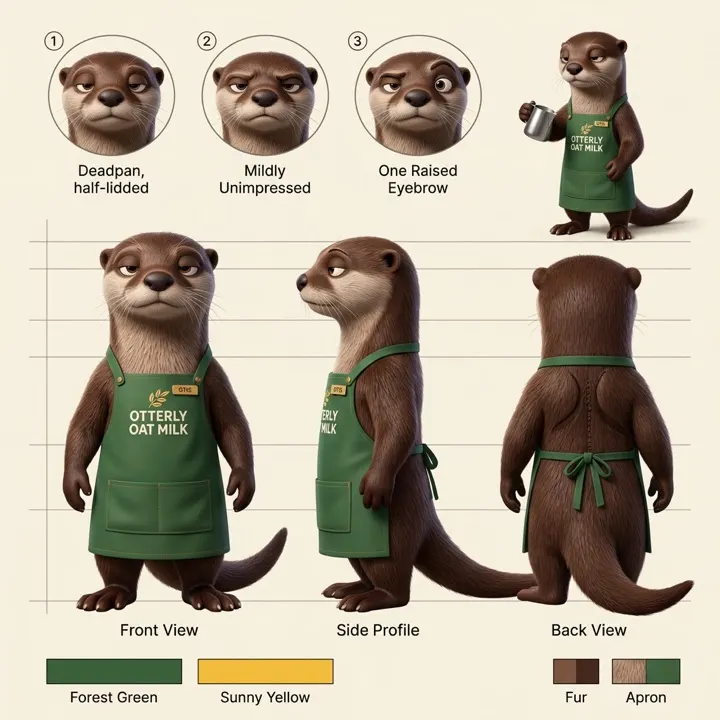 Model sheet
 Key art
Reference Set + Skill → scored outputs
 96
96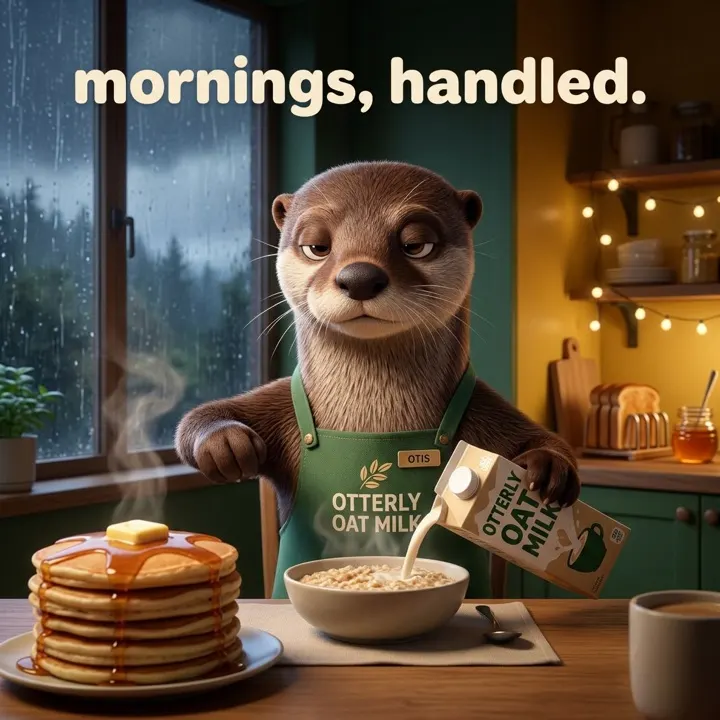 93
93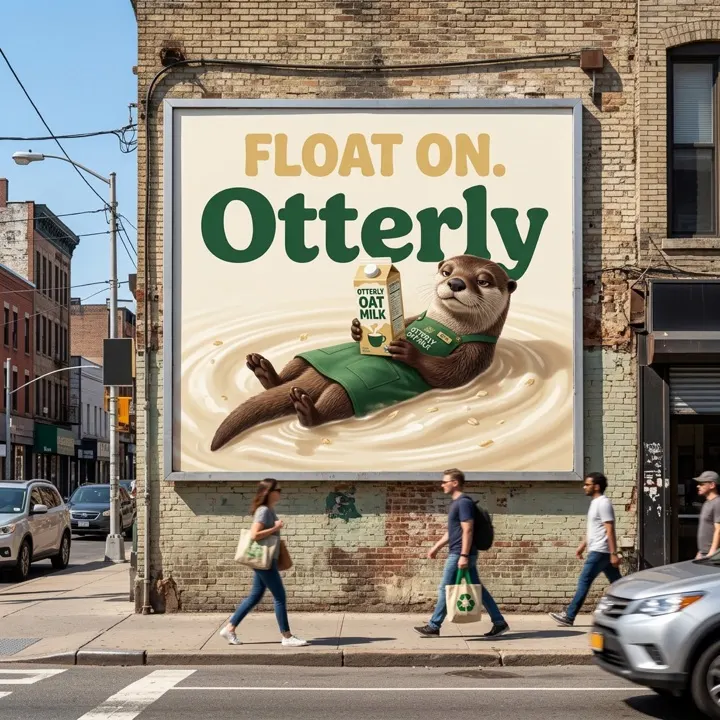 89
89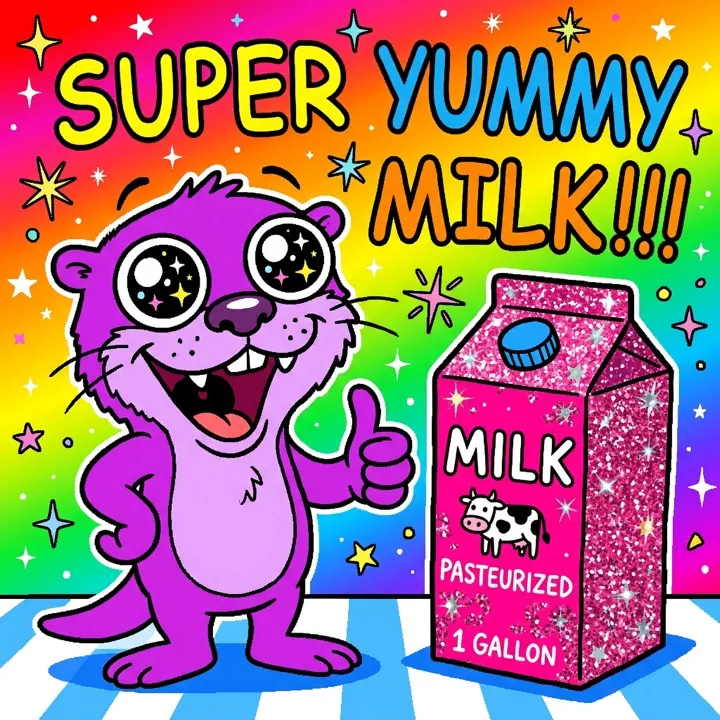 Off-brand
 72 · flagged95 · regenerated
Skill: client-brand-rules · logo clear space, legal line, banned claims
A project or sub-workspace per client. Separate, and auditable.
Give each client its own project inside your workspace, or a fully isolated sub-workspace for accounts that need a hard wall. Either way the client’s files, Reference Sets, Skills and budget stay apart, competing accounts never meet, and every generation is logged with who made it, when and with which model. The agency keeps one parent view of access, spend and billing.
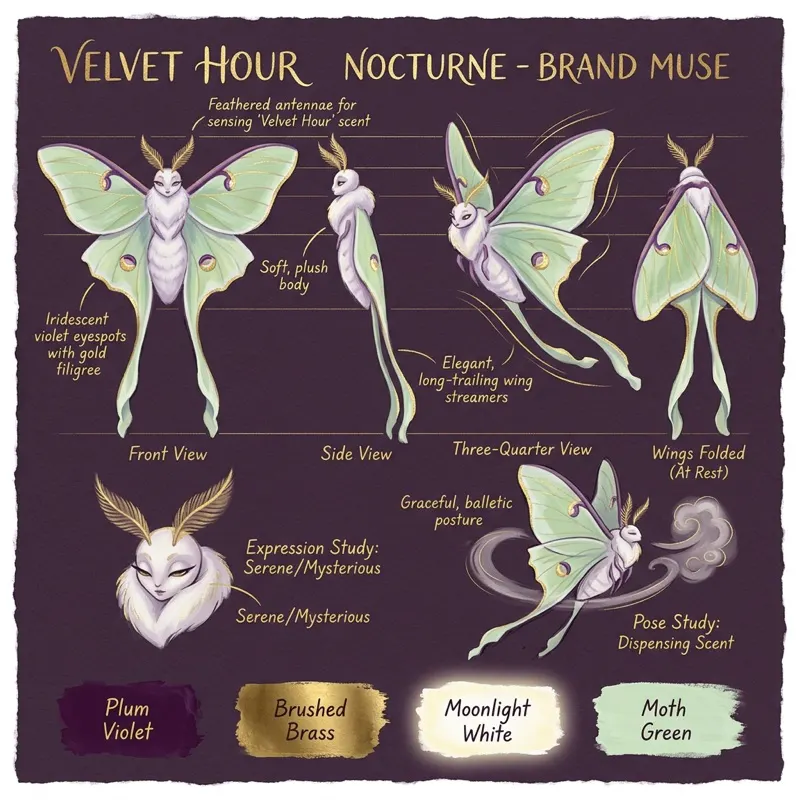
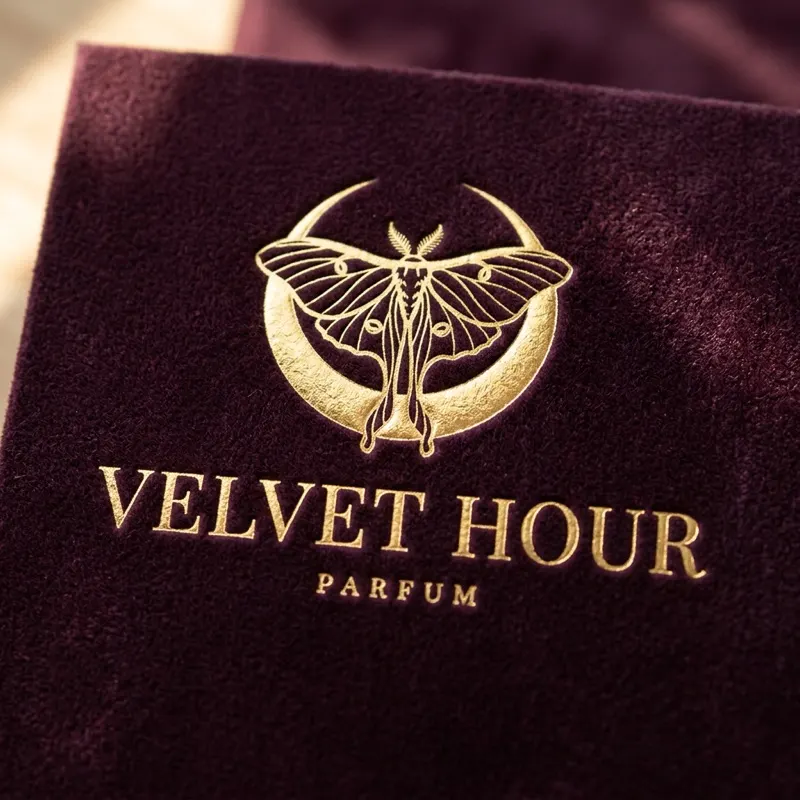
Velvet HourPidgeOtterly Moonlit PicturesGrand Prix GranniesFlamingo FortuneKite Runners
Light and fast
Each client’s brief, assets, Reference Sets and Skills in its own project, so the agent stays on that client’s brand run after run.
A hard wall
Its own members, roles and Creative Unit budget, for competing accounts, pre-launch titles and clients with strict NDAs.
Every generation on record
Who generated what, when, with which model and settings, so you can answer any client or legal question in minutes.
Your agency · 7 clients, one account
SSO · Roles · Audit log · Per-client budgets · Usage by client
| Client project or sub-workspace | Members | Reference Sets | CUs this month |
|---|---|---|---|
Velvet HourProject Perfume launch, paid social in four markets | 11 | 4 | 14,200 of 20,000≈ $852 of $1,200 |
PidgeProject Money app: performance display and app store tests | 8 | 2 | 9,600 of 12,000≈ $576 of $720 |
Grand Prix GranniesSub-workspace Mobile game: weekly UA refresh and playables | 14 | 5 | 18,420 of 24,000≈ $1,105 of $1,440 |
Flamingo FortuneSub-workspace Casino operator: promotions and CRM | 7 | 4 | 6,310 of 9,000≈ $379 of $540 |
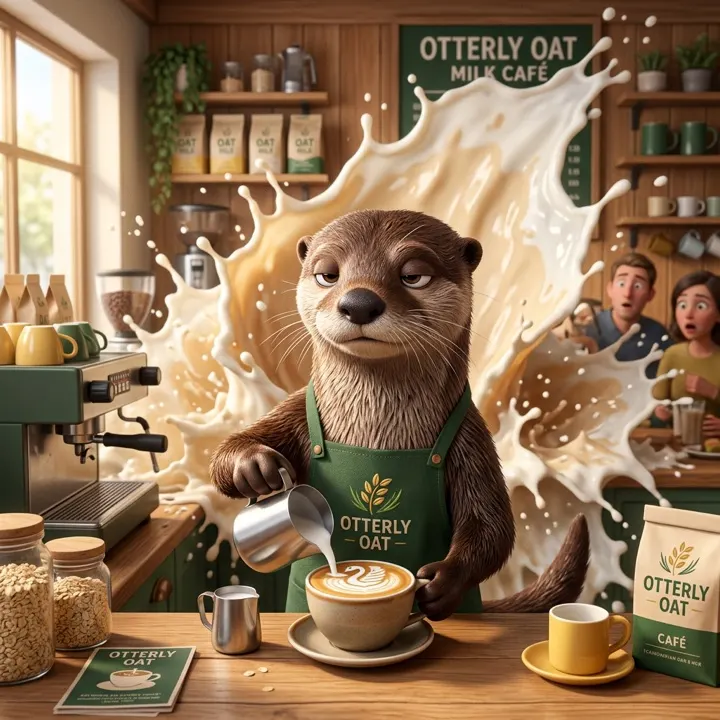
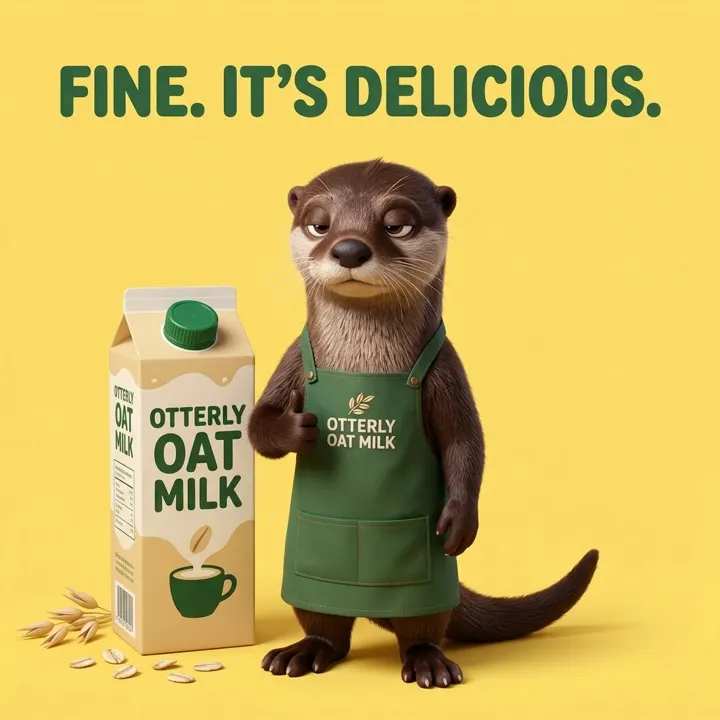
OtterlyProject Mascot brand: licensee kits and seasonal key art | 6 | 3 | 4,880 of 8,000≈ $293 of $480 |
Moonlit PicturesProject Production company: pitch animatics and trailer plates | 5 | 2 | 2,940 of 6,000≈ $176 of $360 |
Kite RunnersSub-workspace Sneaker store: product shots, sale drops and catalogue | 6 | 3 | 7,450 of 10,000≈ $447 of $600 |
Illustrative clients and numbers. Dollar figures at the $60 per 1,000 CU list price.
Onboarded on a live brief
We train your team on a real client project, so Layer is in production from week one.
No seats to buy
Freelancers and client reviewers join a workspace for free. You pay for what gets generated.
Margin you can see
Usage by workspace, member and model, so every client’s production cost is on one screen.
Partner Program
Bring client studios onto Layer and earn rewards while they get onboarding perks.
Always on budget, for every client and every team
AI spend that nobody can predict is how agencies lose margin. Layer lets admins decide how many Creative Units each team and each client can use, before anyone generates, so a retainer never turns into an overrun.
Cap a team’s spend
Create a group for a team and set a CU limit per member for a Daily, Weekly or Monthly period. Split teams by budget, not only by discipline: raise the cap for a pitch crunch without raising it for anyone else.
Allocate Creative Units per client
Transfer Creative Units from your parent workspace to each client’s child workspace, so every account has exactly the capacity its retainer pays for, and give a group access to just that client.
Choose which models your team can use
Limit a team to the models a client has approved, or keep premium video models for the people who need them.
The cost shows before every run
Every generation and workflow shows its Creative Unit cost before you press Run, and failed generations are never charged.
Know where every Creative Unit went
The Usage page groups spend by Model, Modality, Mode or User. When someone goes over a cap, they appear under Overages with how far over they are, so you can bill the client or adjust the limit.
Groups & Roles · Agency workspace
| Group | Workspace role | Usage Limit | Members |
|---|---|---|---|
| Creative leads | Admin | None | MKAR 4 |
| Velvet Hour team | Member | 1,500 CU (≈ $90) / Monthly | JSPBEO 12 |
| Pitch squad | Member | 400 CU (≈ $24) / Weekly | MKJSAR 6 |
| Freelancers | Member | 60 CU (≈ $3.60) / Daily | TLRDNV 18 |
| Client reviewers | Viewer | 0 CU (≈ $0) / Monthly | CRLV 9 |
Illustrative groups and limits. Groups are part of the Enterprise plan. Dollar figures at the $60 per 1,000 CU list price.
A 50-person agency, 70% faster from idea to asset
Work Dog Studios is a New York creative agency making AI, animation, UGC and motion work for game publishers. They swapped a dozen single-purpose AI tools for one Layer workflow.
- A full gaming ad for a game that didn’t exist yet: characters, environments, mock UI and animations in one day
- Consistent character animation with alpha-channel exports, dropped straight into scenes
- UA video ads for mobile titles built entirely from Layer-generated parts
“AI won’t replace great studios. But great studios that use AI? They’ll replace the ones that don’t.”
Vincent Scala, CEO and Creative Director, Work Dog Studios
A platform that makes you more valuable, not replaceable
Many AI video tools now sell straight to brands with the promise of needing fewer agencies. Layer is built the other way round: around your client roster, your craft and your margin.
 Perfume
 Oat milk
 Sneaker
 Finance app
 Mobile game
 Casino
Six clients, one preset: every campaign starts to look alike
Velvet HourOtterlyKite RunnersPidgeGranniesFlamingo FortuneEvery client looks like itself
| Ask any AI platform | Typical AI video suite | Layer for agencies |
|---|---|---|
| Who it’s built for | Brands, often pitched as a way to rely less on agencies | Agencies: a project or sub-workspace per client, auditable, your margin visible per account |
| How each client looks | Shared presets, so campaigns start to look alike | A Reference Set and Skill per client, every output scored against them |
| Formats | Mostly cinematic video | Video, statics, playables, 3D and audio from the same assets |
| Range of clients | Generic ad styles that suit some categories | Brands, apps, IP, casinos and production companies, each with its own Reference Sets and rules, plus game-native formats like HTML5 playables |
| Seats | Seat limits or seat-based enterprise tiers | No seat fees: freelancers and client reviewers join free |
| Client IP | Check the terms | Customer data never trains foundation models; SOC 2 Type II; isolated workspaces |
Inside the tools ad teams already use
Generated work arrives where the brief, the layout and the edit already live. Connect Meta, Google, TikTok and AppLovin so the agent learns what performed.
 Photoshop
 After Effects
 Premiere Pro
 BlenderPhotoshopFigmaAfter EffectsPremiere ProBlenderMMaya
 Unity
Unity Unreal Engine
 Slack
Slack ChromeMCPLayer MCP (Claude){ }REST API & CLI
Six things your ad team can do this week
Burcu Hakguder, Layer co-founder, walks through each one live.
Trusted by 400+ studios, including these publishers
Agencies like Work Dog Studios produce for these publishers on Layer. Teams make 5-8x more ad variations per sprint; more agency references on request.











Ready for your clients’ security review. Pre-launch campaigns and licensed IP need more than a consumer tool.
Questions ad teams ask
How many more variations can a team make?
Teams on Layer make 5-8x more ad variations per sprint. A strategist can take 50–100 concepts a day from brief to review, against 5–10 by hand, which is what makes structured testing practical.
Statics only, or video too?
Both, plus playables. Video models such as Kling, Veo and Runway sit beside the image models, and the timeline cuts generated shots, voiceover, music and captions into a finished ad, reframed for each placement.
How does Layer protect client IP?
Layer is SOC 2 Type II certified. Each client can have its own isolated workspace with roles, SSO and an audit log. Customer data is never used to train foundation models, and one client’s assets never reach another’s outputs.
How is Layer different from cinematic AI video tools?
Those tools focus on cinematic video and shared presets, and many now sell directly to brands. Layer covers every format a campaign needs (video, statics, playables, 3D and audio) and is built around agencies: a separate, auditable project or sub-workspace per client, each client’s own Reference Sets and brand rules, and no seat fees for freelancers or reviewers.
Will Layer replace our creative team?
No. Layer takes the repetitive production: variations, resizes, localised versions and first cuts. Your strategists and designers keep the ideas, the art direction and the call on what ships.
How does pricing work for an agency?
Creative Units for what you generate, no per-seat fees, so freelancers and client reviewers can all have access. A project or sub-workspace per client keeps assets and budgets apart, and the parent account keeps billing in one place.
What about ad rules in regulated categories?
Nothing ships without your review. Your team and your client’s compliance owners stay responsible for platform and market ad policies; Skills can hold the legal lines and banned claims so drafts start compliant.
Bring your next campaign to Layer
Start free and run your next pitch or test today, or talk to sales about client sub-workspaces, usage limits and enterprise security for your agency or in-house team.
No seat fees. Pay for what you generate in Creative Units.