
Character Consistency AI Video
Keep Characters Consistent in Every Video
Drop a character, prop or product into a generated shot and keep it consistent across the cut.
Video Elements
The hardest problem in AI video for game teams is not motion — it is identity. Generate three clips of your mascot and you get three slightly different mascots: proportions shift, costumes mutate, faces drift. For studios whose characters are the brand, that inconsistency makes AI video unusable for anything player-facing.
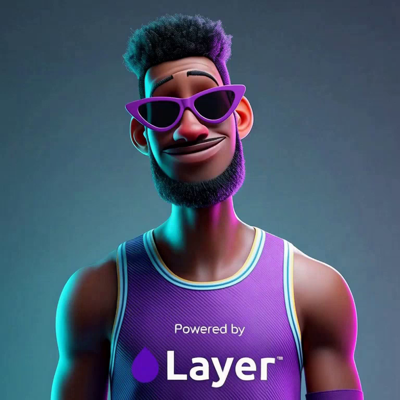
Video Elements solves this by letting you pin a character, person, or object before you generate. Supply a frontal image plus reference images — or a reference video — and Layer holds that element visually consistent across the generated clip, so your character looks like your character in every frame.
01
Key capabilities
Pin characters, people, and objects
An element can be a game character, a real person, a product, or a prop. Once pinned, it keeps its identity through the generated video instead of being reinterpreted frame by frame.
Reference-driven fidelity
Build each element from a frontal image plus supporting reference images, or a reference video. More angles and contexts give the model a fuller picture of what must stay fixed.
Consistency across generations
Reuse the same element across many clips. The character in your gameplay teaser matches the character in your UA ad and your social cutdown — one identity, many videos.
Direct the scene around the element
Your prompt still controls action, setting, and camera. The element constrains who or what appears; you stay free to change everything else between takes.
Top video models in one workspace
Generate with leading video models — including Veo 3.1, Seedance, Kling, and Wan — from the 300+ AI models Layer brings together across image, video, 3D, and audio.
02
How it works
Build your element
Upload a frontal image of the character, person, or object, then add reference images or a reference video that show it from more angles and situations.
Prompt the scene
Describe the shot: what the element does, where it is, how the camera moves. The pinned element anchors identity while the prompt directs everything else.
Generate and reuse
Layer produces a clip with your element held consistent. Keep the element in your workspace and reuse it across future generations so the whole team draws from the same canonical character.
Video
Trailers, hooks and ads, cut from your game.
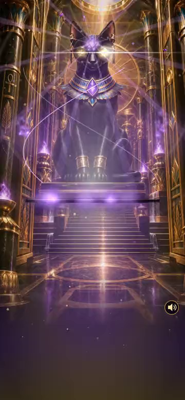
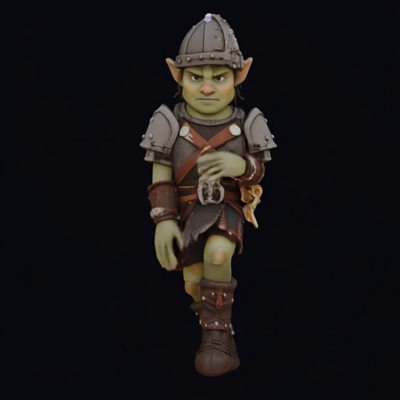
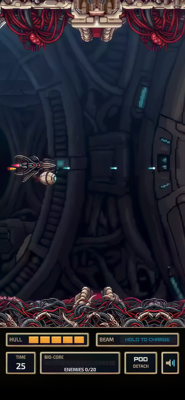
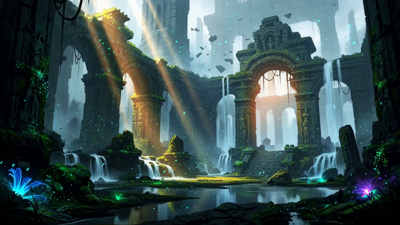
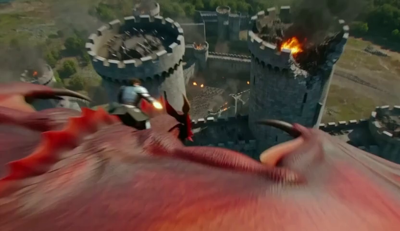
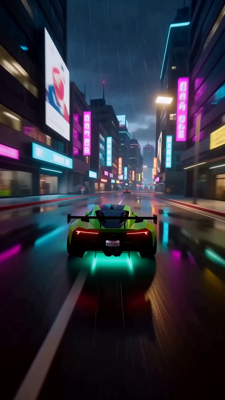
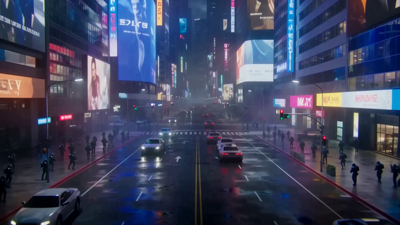

The industry's best video models. One platform.
03
Built for game production
On-model UA creatives
Ship video ads where your hero character is unmistakably on-model in every variant. Test dozens of hooks and scenarios without your character morphing between them.
Live-ops video at series scale
Seasonal events, battle pass promos, update announcements — recurring content needs a recurring cast. Elements let the same characters front every beat of your live-ops calendar.
Trailers and cutscene-style content
Block out narrative moments with characters that persist shot to shot, so sequences read as one story rather than a reel of lookalikes.
Brand and mascot continuity
For studios and entertainment brands whose characters carry the marketing, elements keep that IP consistent across every channel that needs video.
Layer powers creative pipelines at 400+ game studios and entertainment brands, including Zynga, SciPlay, and Huuuge Games. Start free and put your characters in motion — consistently.
04
Related features
Questions about Video Elements
What are Video Elements?+
A Video Element pins a character, person, or object using a frontal image plus reference images or a reference video. The pinned element stays visually consistent across the generated clip.
What references do I need to create an element?+
You provide a frontal image of the character or object, plus additional reference images or a reference video showing it from other angles or in other contexts.
Can I use my own game characters?+
Yes. Video Elements are built for exactly that — bring reference art of your character and generate video where it stays on-model instead of drifting between frames or generations.
Does this work with different video models?+
Layer provides 300+ AI models across image, video, 3D, and audio in one workspace, with video models including Veo 3.1, Seedance, Kling, and Wan available where element pinning is supported.
Is Layer safe for proprietary character IP?+
Yes. Layer is SOC 2 Type II compliant with SSO/SCIM and role-based access, and customer data is never used to train foundation models.
Try Video Elements today
Pin your first character and generate consistent video today. Start free on Layer — no credit card required.