AI Outpainting
One Asset, Every Aspect Ratio
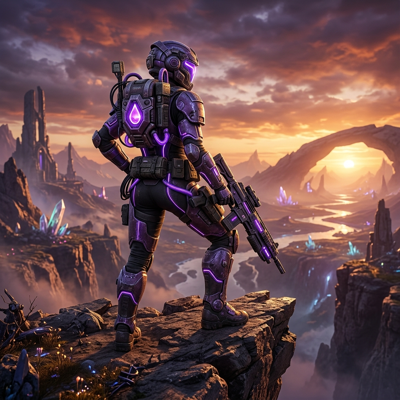
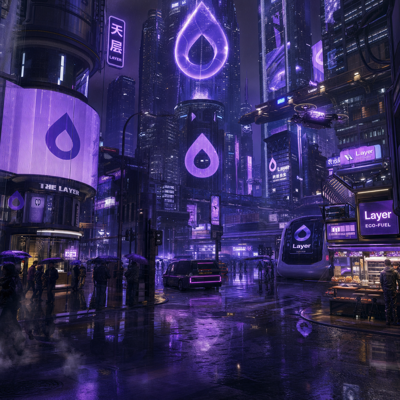
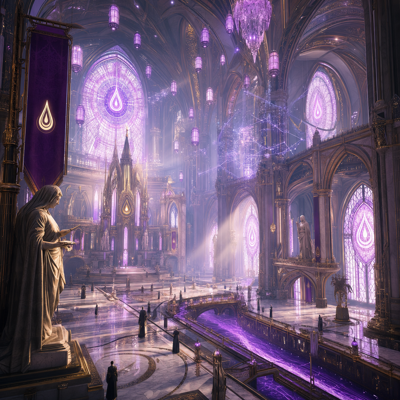
Outpaint one asset into every aspect ratio a channel asks for, instead of re-shooting the composition.
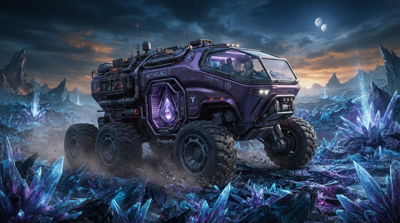
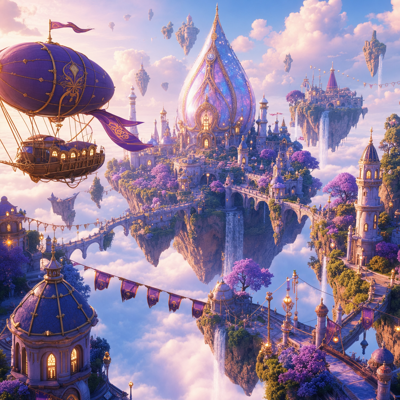
![Made with FLUX.1 Kontext [dev]](https://media.dev2.layer.ai/workspaces/009d5ac0-fac3-45b1-83dc-1f1aa70c83f4/files/4ae97550-a0c4-4a0c-be11-e0a214214c3d/flux-kontext-dev-posted-0_400.png)
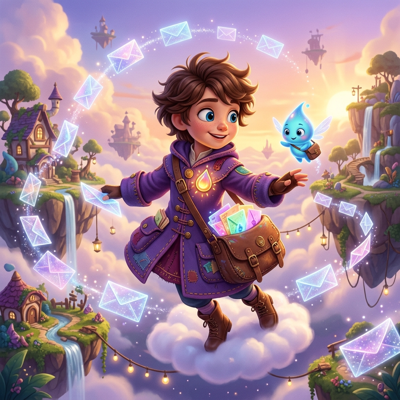
![Made with FLUX.1 Kontext [dev]](https://media.dev2.layer.ai/workspaces/009d5ac0-fac3-45b1-83dc-1f1aa70c83f4/files/021d83d9-dbc9-4efb-9bce-b5b7bff3f887/flux-kontext-dev-posted-1_400.png)
![Made with FLUX.1 Kontext [dev]](https://media.dev2.layer.ai/workspaces/009d5ac0-fac3-45b1-83dc-1f1aa70c83f4/files/300e3f56-f775-4782-bb14-03a3248054ee/flux-kontext-dev-posted-2_400.png)
Reframe & Outpaint
Every channel wants a different shape. Ad networks demand square, vertical, and landscape cuts; app stores have their own screenshot and banner specs; social placements add more. Producing a hero asset is the easy part—re-composing it for a dozen aspect ratios is where production time disappears, and naive cropping keeps cutting off the parts that matter.
Reframe on Layer solves the shape problem generatively. Crop into a new ratio, or extend the canvas beyond the original edges and let AI outpaint the new area in the same style, lighting, and composition. It works on both images and video, so one approved asset becomes every format you need.
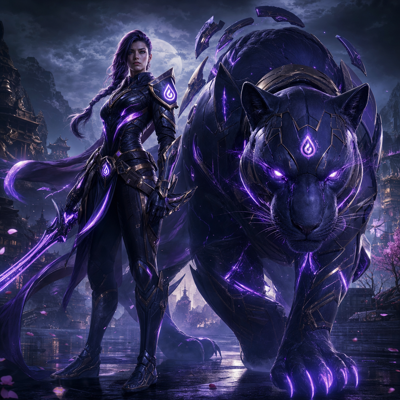
![Made with FLUX.1 [dev]](https://media.dev2.layer.ai/workspaces/009d5ac0-fac3-45b1-83dc-1f1aa70c83f4/files/048d71df-56ac-4934-ae1b-9af025f7a271/flux-posted-0_400.png)
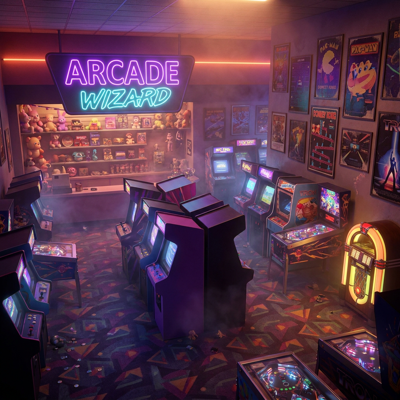
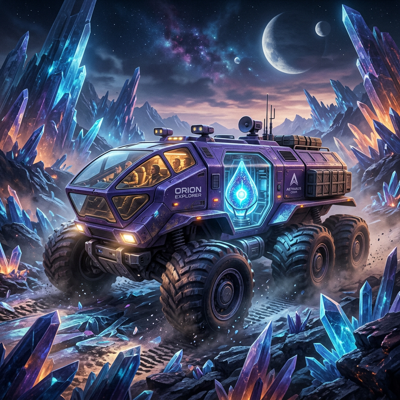
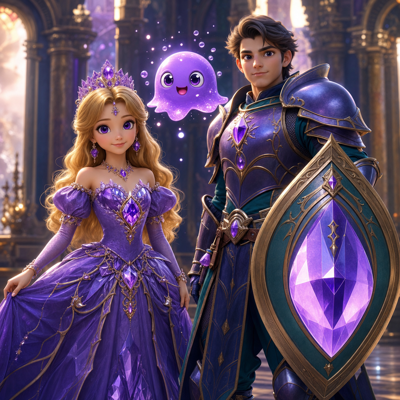
![Made with FLUX.1 [dev]](https://media.dev2.layer.ai/workspaces/009d5ac0-fac3-45b1-83dc-1f1aa70c83f4/files/bb9d860d-6406-4372-be31-3abd0ace6df9/flux-posted-1_400.png)
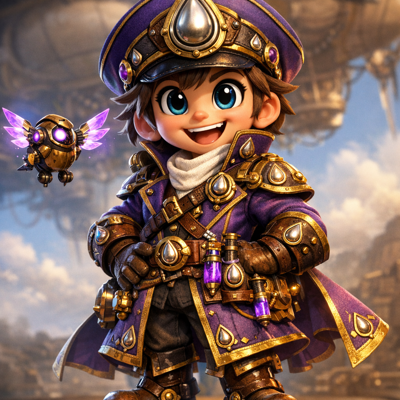
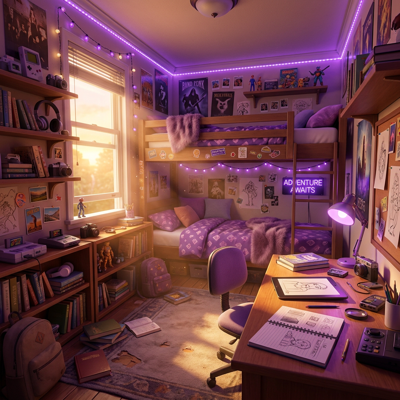
01
Key capabilities
Any Aspect Ratio
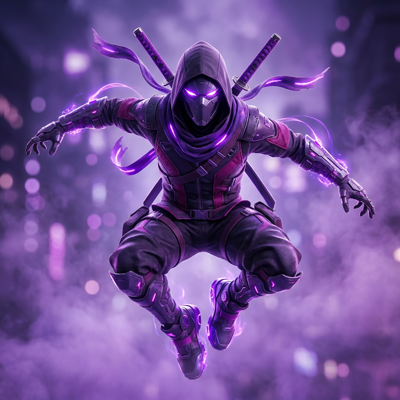
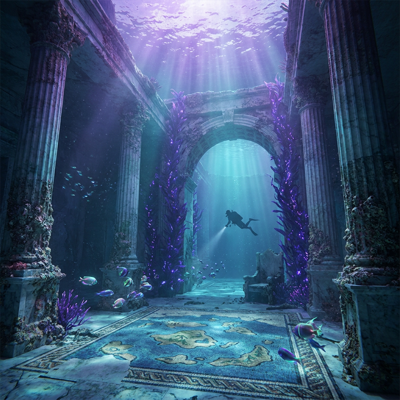
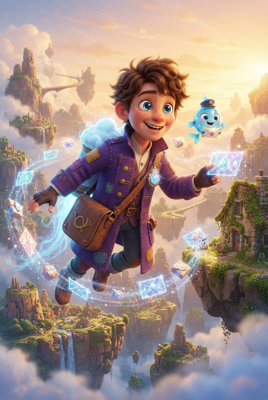
Go from landscape to vertical, square to banner, or any custom frame. Position the original content within the new canvas and let Layer handle the rest.
AI Outpainting
When the new frame extends past the original image, Layer generates the missing area—continuing backgrounds, environments, and patterns so the seam is invisible.
Video Reframing
Reframe video clips the same way you reframe images, adapting one motion creative for vertical, square, and landscape placements.
Smart Cropping and Extension Together
Combine a crop on one axis with an extension on the other to hit exact platform specs while keeping the subject composed where you want it.
Batch and Workflow Ready
Reframe entire asset sets at once, or wire Reframe into a node-based workflow that fans one hero asset out into your full format matrix automatically.
![Made with FLUX.1 [dev]](https://media.dev2.layer.ai/workspaces/009d5ac0-fac3-45b1-83dc-1f1aa70c83f4/files/e3a5318e-e09a-4347-bf66-762abf0da85b/flux-posted-2_400.png)
![Made with FLUX.1 [dev]](https://media.dev2.layer.ai/workspaces/009d5ac0-fac3-45b1-83dc-1f1aa70c83f4/files/87483195-a950-4b9a-8004-b5a35cc39e95/flux-posted-3_400.png)
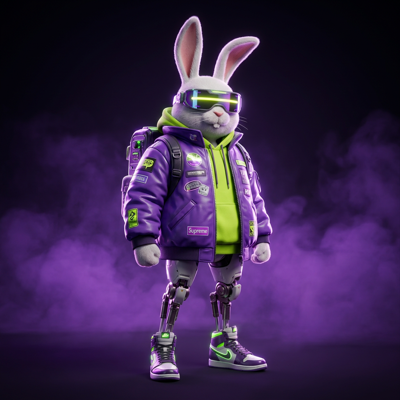
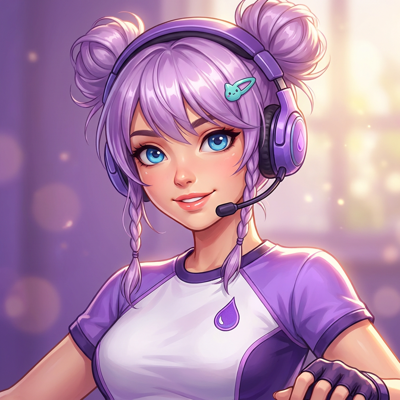
02
How it works
Select your asset
Open any image or video in Layer—a generation from the platform or an upload from your existing creative library.
Choose the new frame
Pick a target aspect ratio or set custom dimensions, then position the original content within the new canvas—deciding what gets kept, cropped, or extended.
Generate and refine
Layer fills the new canvas area with outpainted content that matches the original. Review, regenerate any areas you want to improve, and export.
The industry's best image models. One platform.
03
Built for game production
UA Creative at Scale
Every ad network takes a different shape. Produce one strong concept, then reframe it into every required placement without re-shooting or re-composing by hand.
Store Pages and Featuring
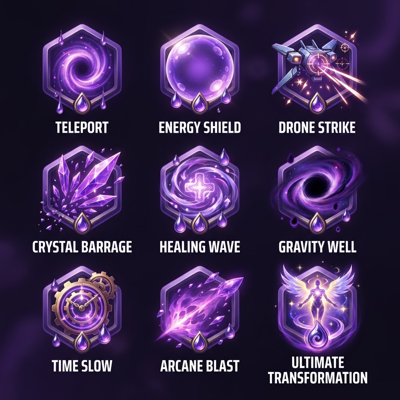
Adapt key art into store banners, screenshots frames, and featuring formats while keeping the composition your marketing team approved.
Live-Ops and Event Art
Reuse event splash art across in-game banners, popups, and promotional surfaces of different shapes, with outpainting filling each layout naturally.
Game Art Flexibility
Extend backgrounds and environments when a design change needs more canvas—wider parallax layers, taller loading screens—without repainting the scene.
Layer is trusted by 400+ game studios and entertainment brands, including Zynga, SciPlay, and Huuuge Games. With Reframe, the format matrix stops being a production bottleneck and becomes a single generative step.
04
Related features
Questions about Reframe & Outpaint
What does Reframe do?+
Reframe crops or extends an image or video to a new aspect ratio. When the new frame is larger than the original, AI outpainting generates the new canvas area so the result looks like it was always that shape.
Does Reframe work on video?+
Yes. You can reframe video clips to new aspect ratios as well as images, which makes it easy to adapt one motion asset for every placement.
How is outpainting different from just cropping?+
Cropping removes content to fit a new frame; outpainting adds content. Layer generates new imagery beyond the original edges that matches the existing style, lighting, and composition.
Can I reframe a whole set of assets at once?+
Yes. Reframe works on single assets or in batches at scale, and it can run inside node-based workflows—useful for turning one hero asset into a full matrix of ad and store formats.
Will the extended areas match my art style?+
Yes. The generated regions extend the original scene's style, palette, and lighting so the final asset reads as one continuous piece.
Try Reframe & Outpaint today
Turn one hero asset into every format your channels need. Start reframing free on Layer—no credit card required.